Canon Group
 Close
Close
Close
Close

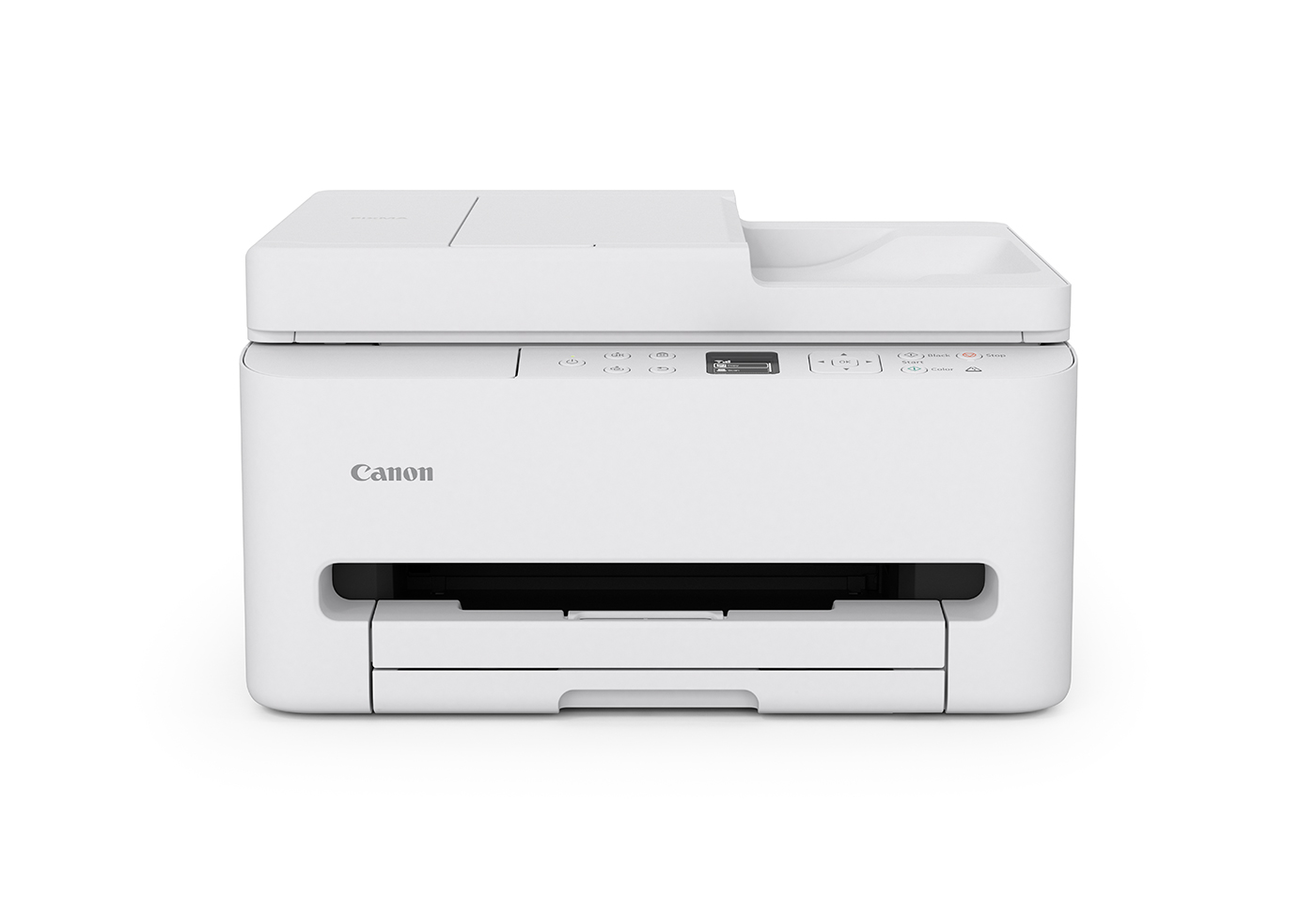
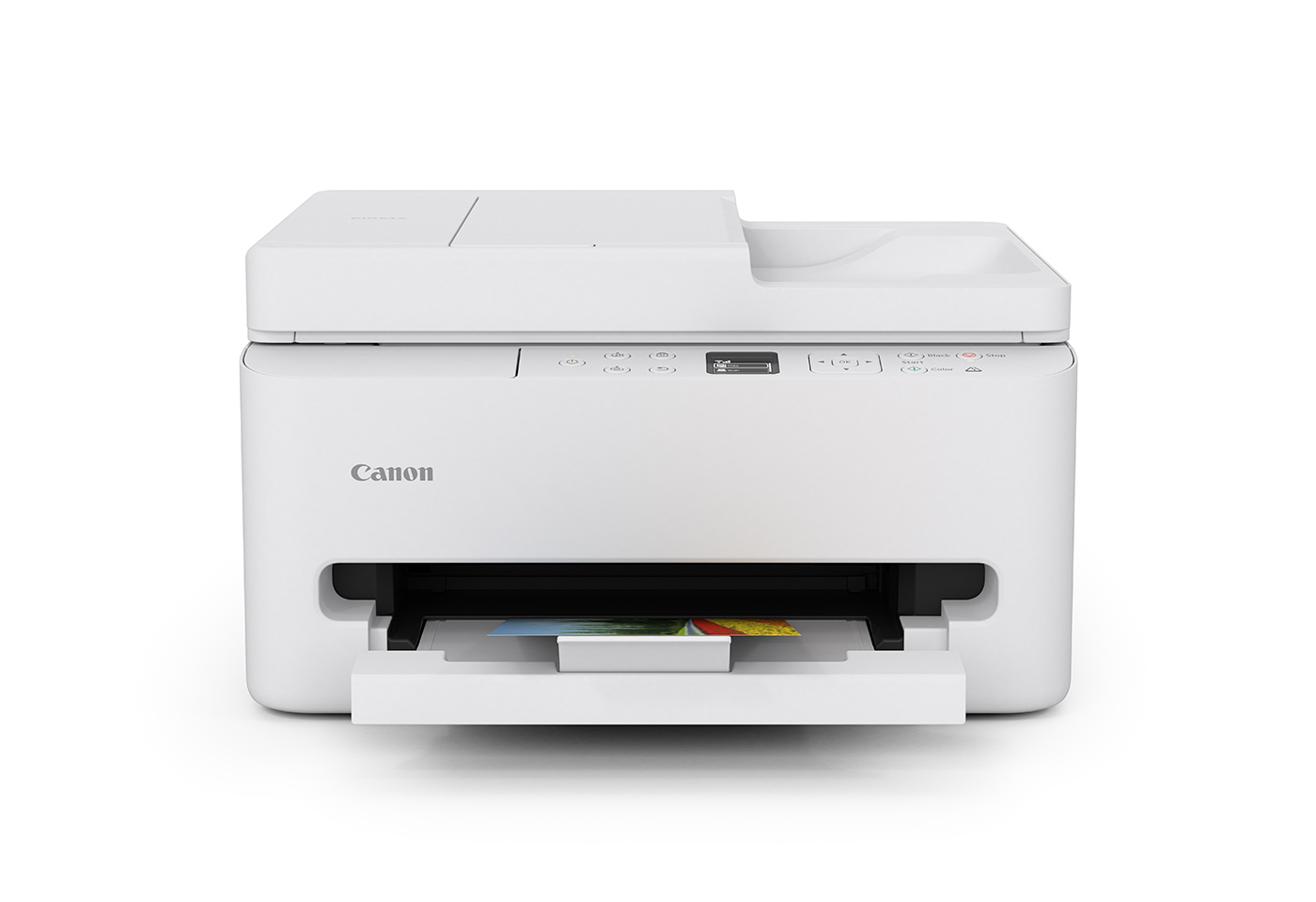
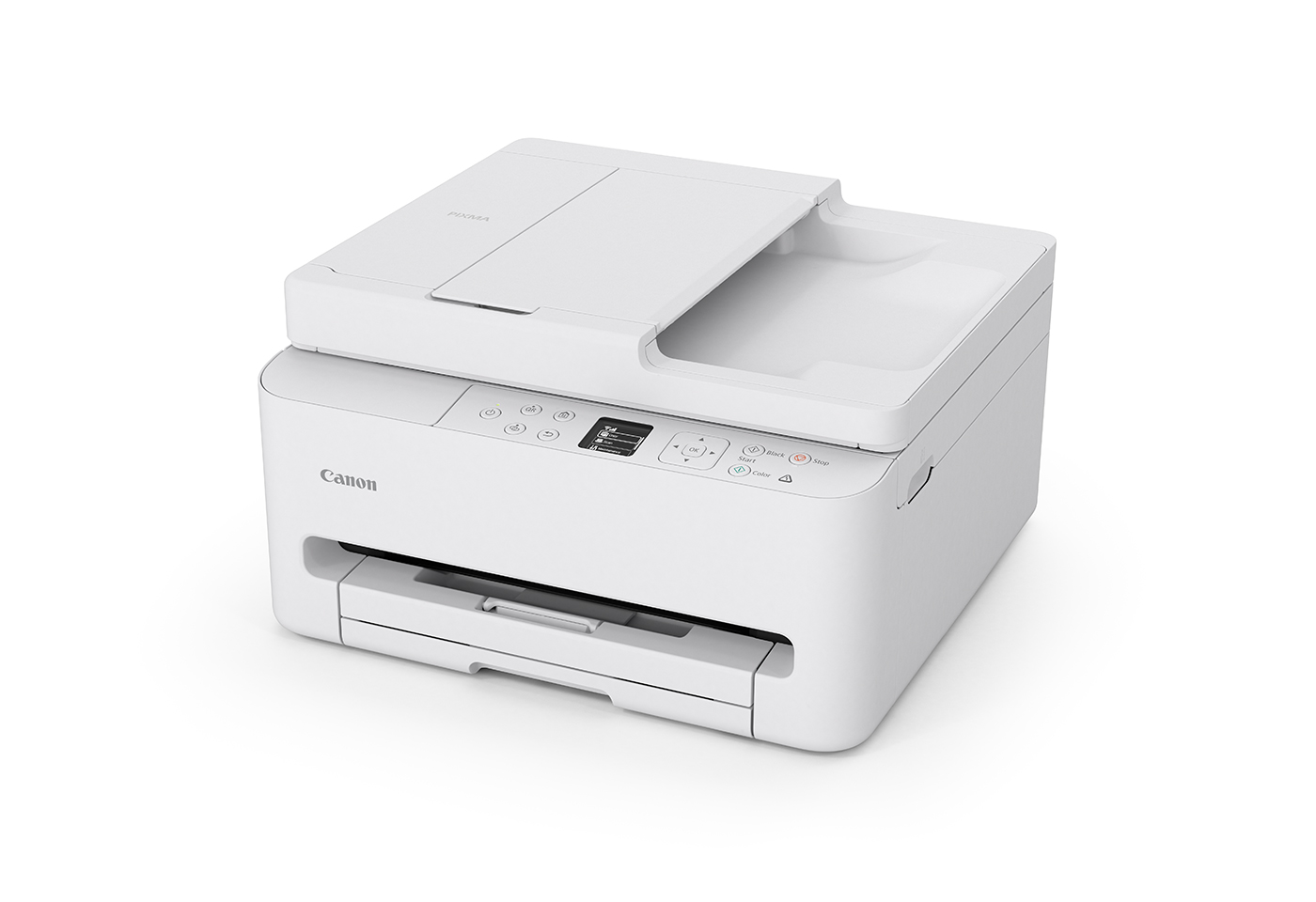
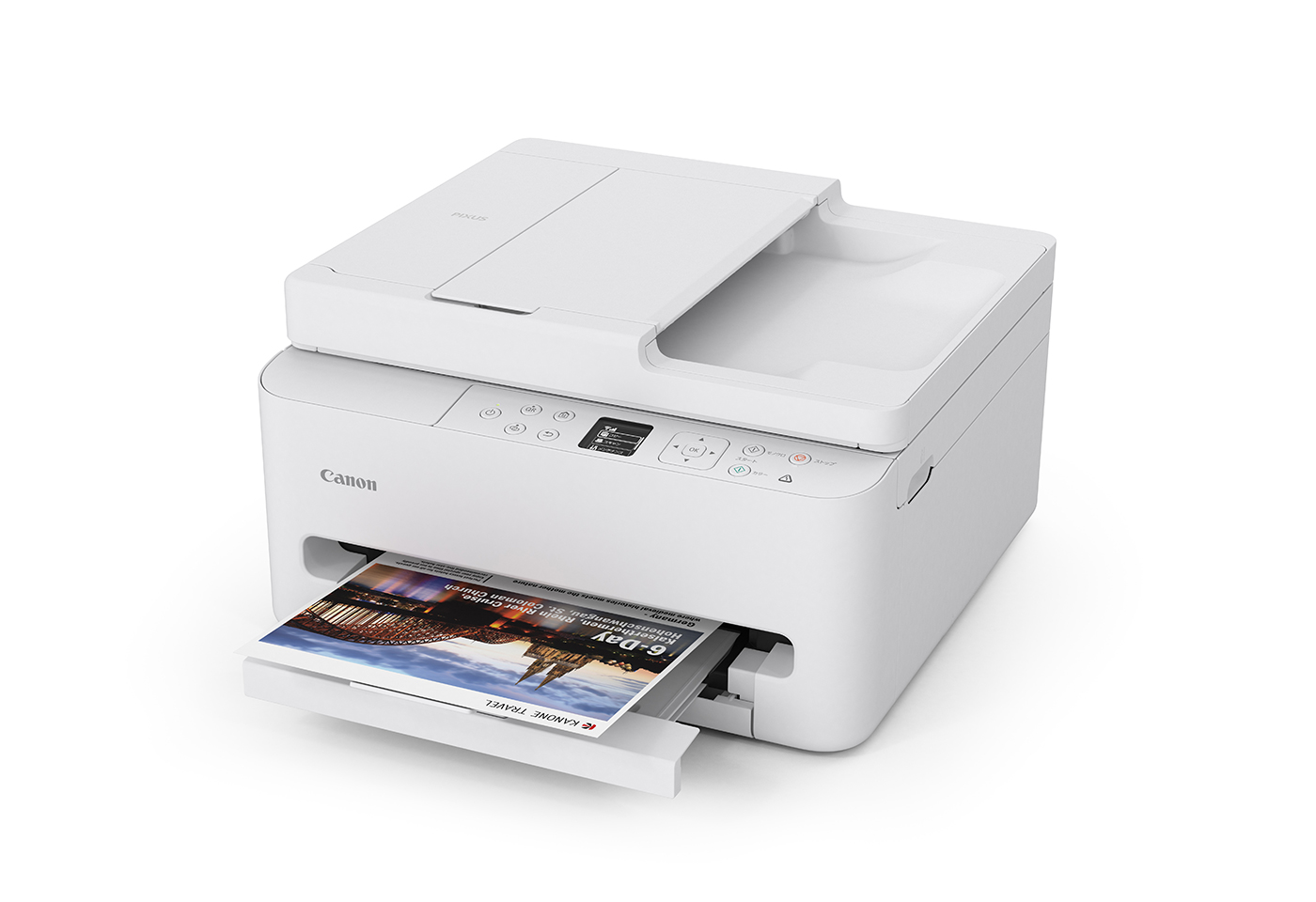
High-quality documents and stunning photos at speed straight from your smartphone or computer. With a sleek, compact design and a smaller footprint, the PIXMA TR7160 multifunction printer with ADF fits effortlessly into any space.
Prints are clearer and easier to read thanks to our FINE cartridge system and updated pigment black ink.

Get what you need when you need it, with super-fast first print out speed of just 7.5sec for a monochrome print or as quick as 9.5sec for your first colour document.

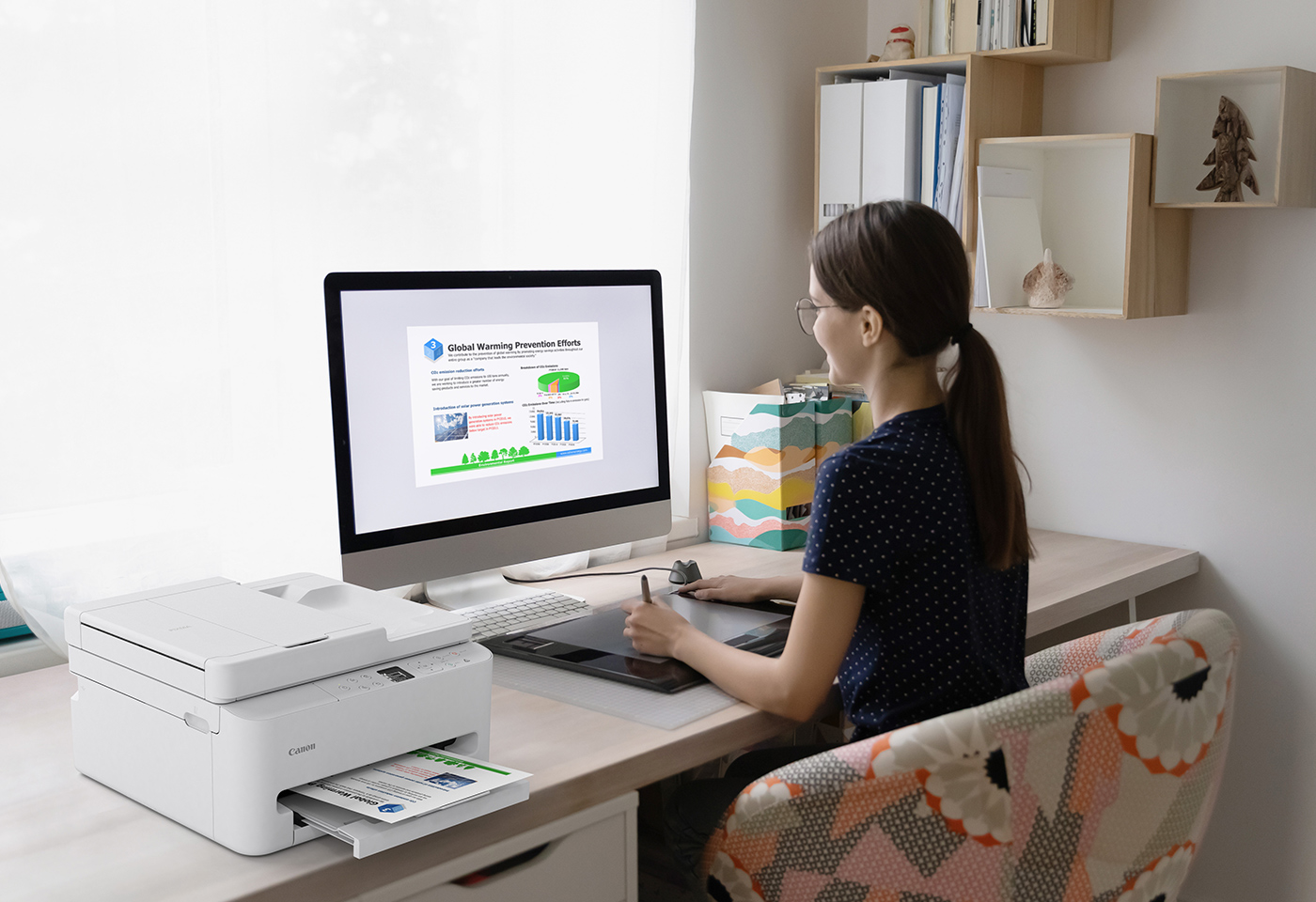
Enjoy hassle-free operation however you print, thanks to a combination of stable dual-band Wi-Fi (2.4GHz/5GHz) and simple QR code setup.
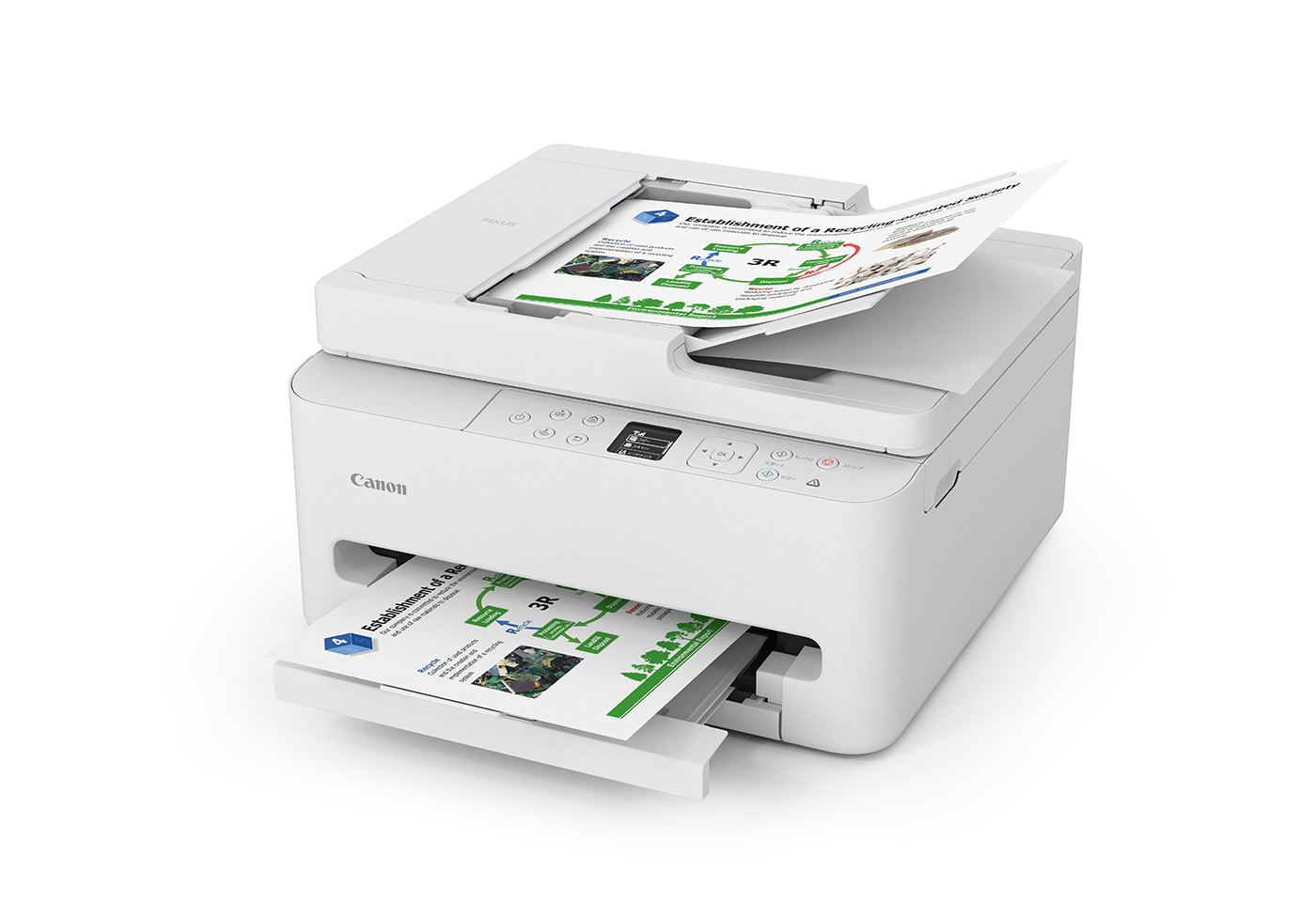
Intuitive settings and an easy to use operation panel tilted at a 10° angle and a and a bright 1.42” OLED display makes using this printer a breeze.
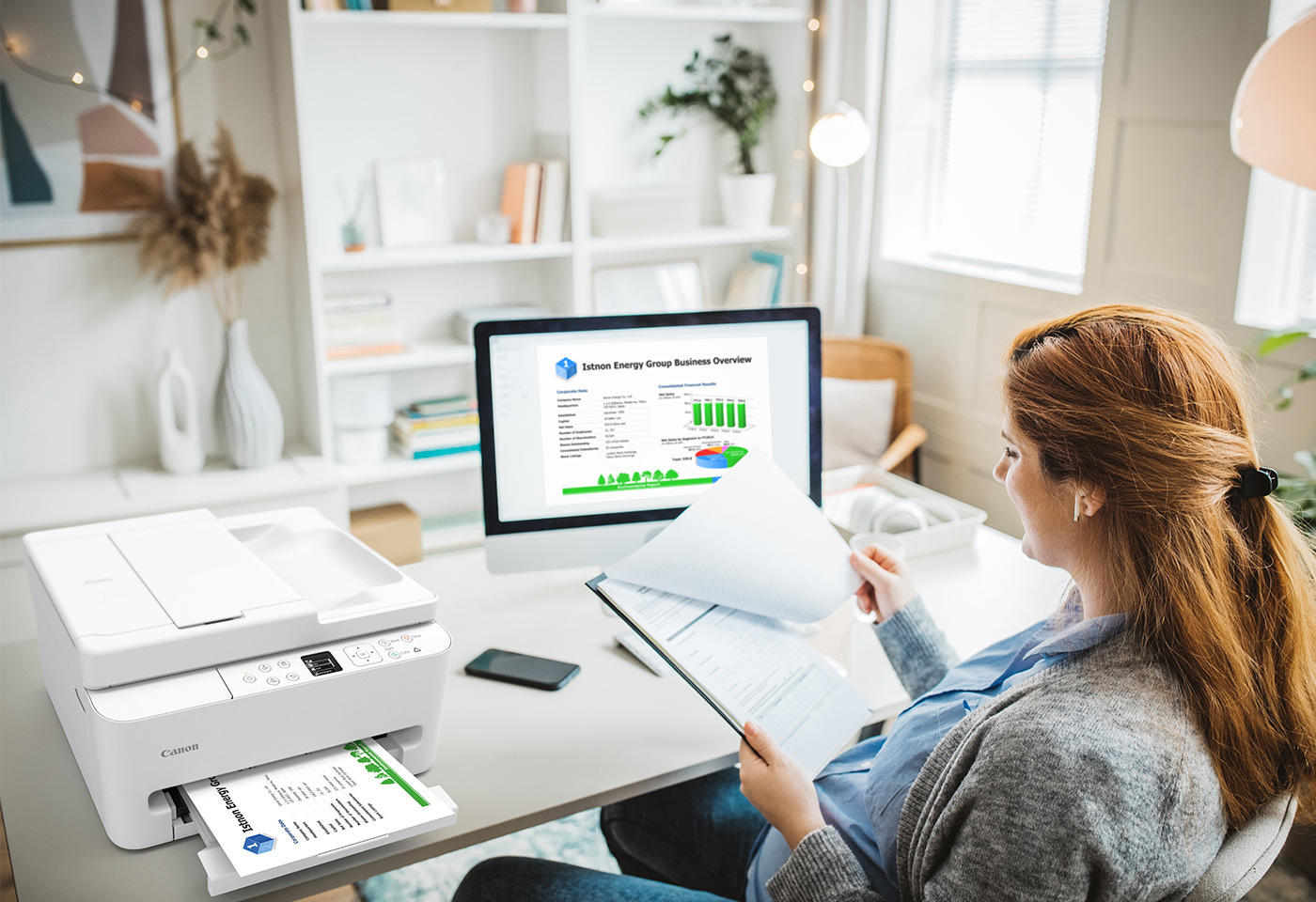
Streamlined design for the space-conscious, the PIXMA TR7160 can be kept on shelves or desks without requiring rear access.

To handle the stuff of life you need a quality printer. We pride ourselves on creating technology products that are as easy to use as they are versatile, backed by a 2-year warranty you can print with confidence ensuring they're ready when you are. See full terms at canon.com.au/warranty

Ij.start.canon is your one-stop destination for help with setting-up and getting more out of your Canon inkjet printer. Our simple guides take the pain out of setting up your new printer.

Connect your smartphone or device to your printer with the Canon PRINT app. Within seconds, you can transform images or documents on your device into something tangible.

We’ve specially designed our Genuine Canon inks so that it functions seamlessly with your Canon printer and delivers superior performance. We want you to be confident about your purchase and know you’ll have a great experience, every time.
Disclaimers
• If your inkjet printer is found defective within the applicable manufacturer warranty period (2 years), we’ll replace it with the same, or an equivalent model. Excludes damage caused by external factors. For full terms see: https://www.canon.com.au/support/warranty or the card in the printer box.
• Photo print speed is based on the default setting using ISO/JIS-SCID N2 on Photo Paper Plus Glossy II and does not take into account data processing time on host computer. Print speed may vary depending on system configuration, interface, software, document complexity, print mode, page coverage, type of paper used etc.
• USB cable not included.