Hello!
We've noticed that you are in .
Visit Canon .
 Close
Close
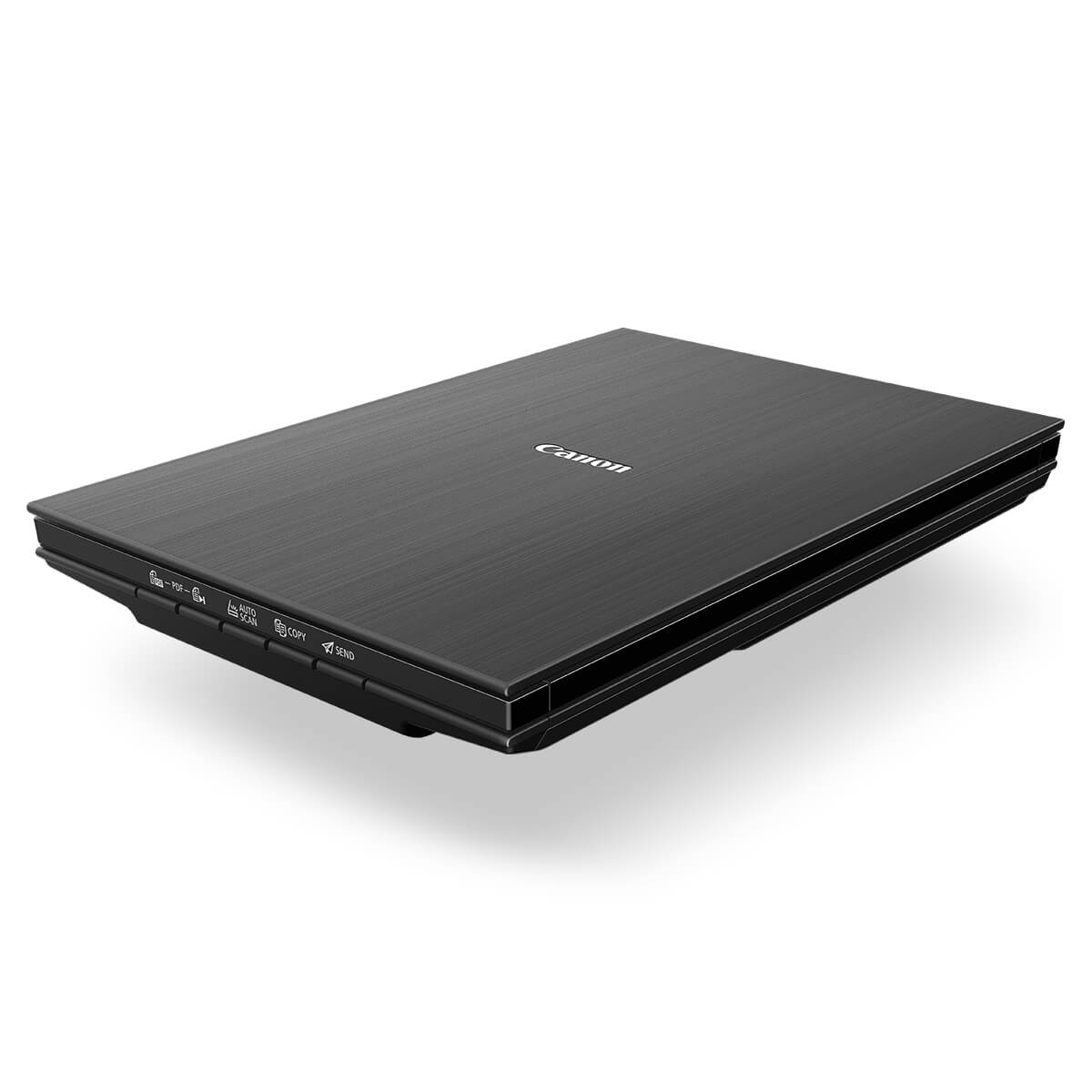
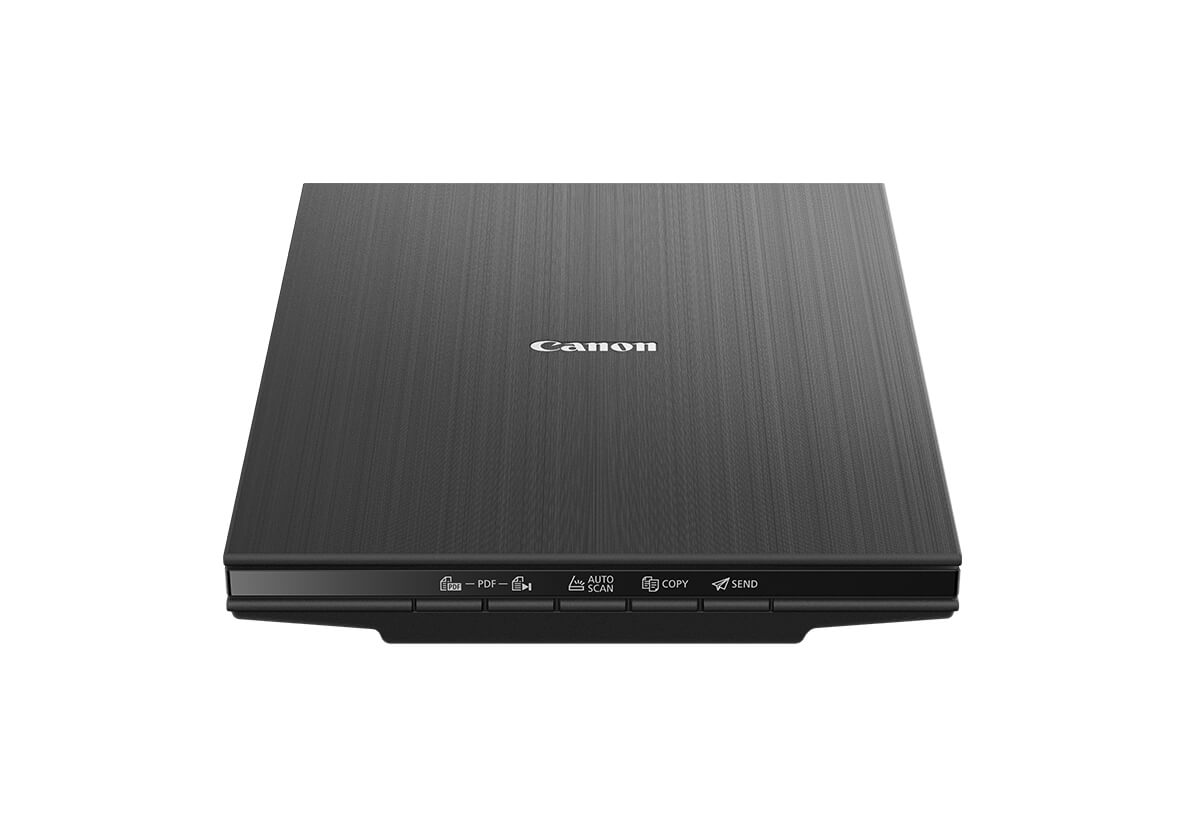
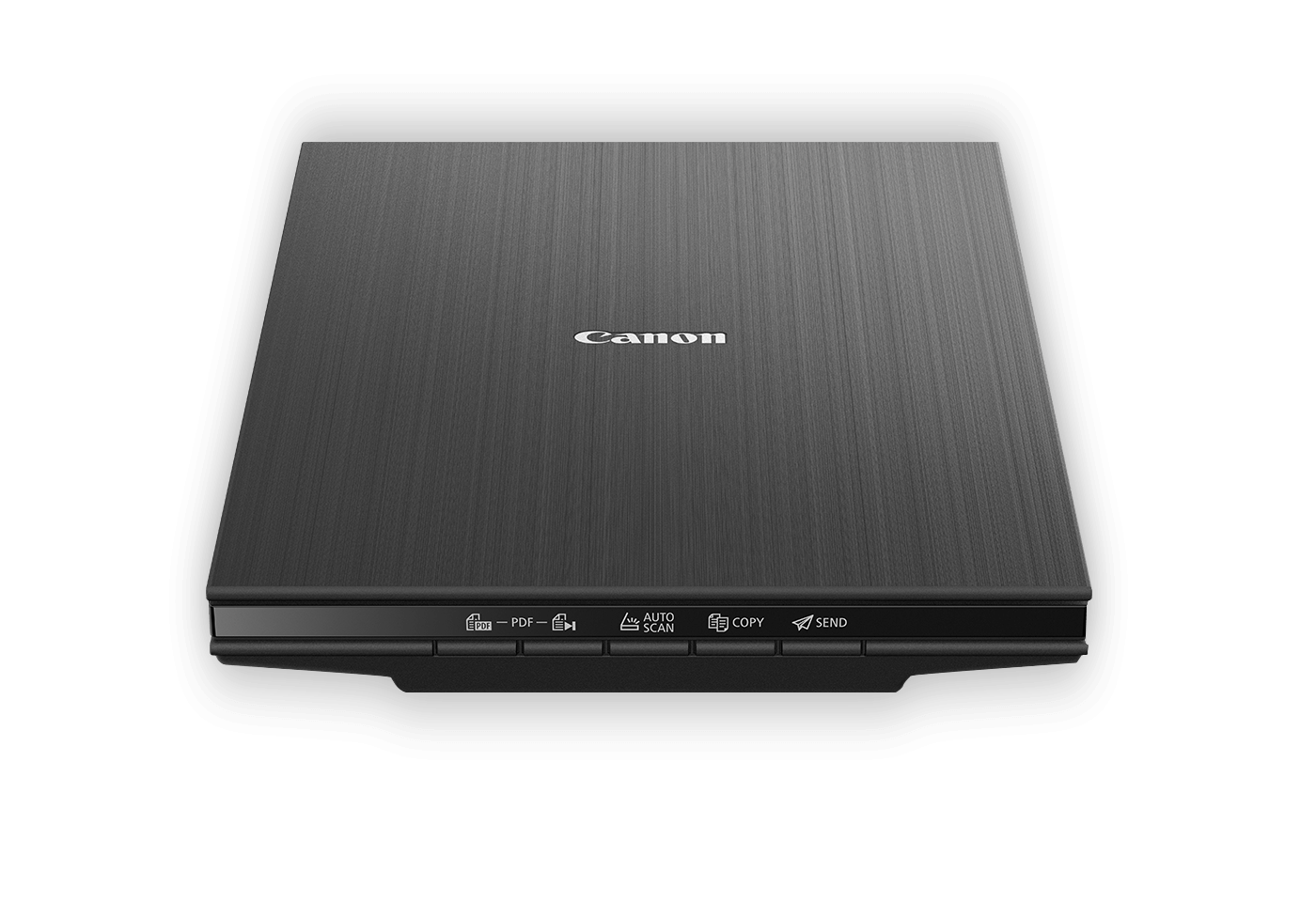
Efficiently create high-resolution 4800 x 4800 dpi scans of your photos or documents in just 8 seconds, courtesy of Canon’s LiDE technology.
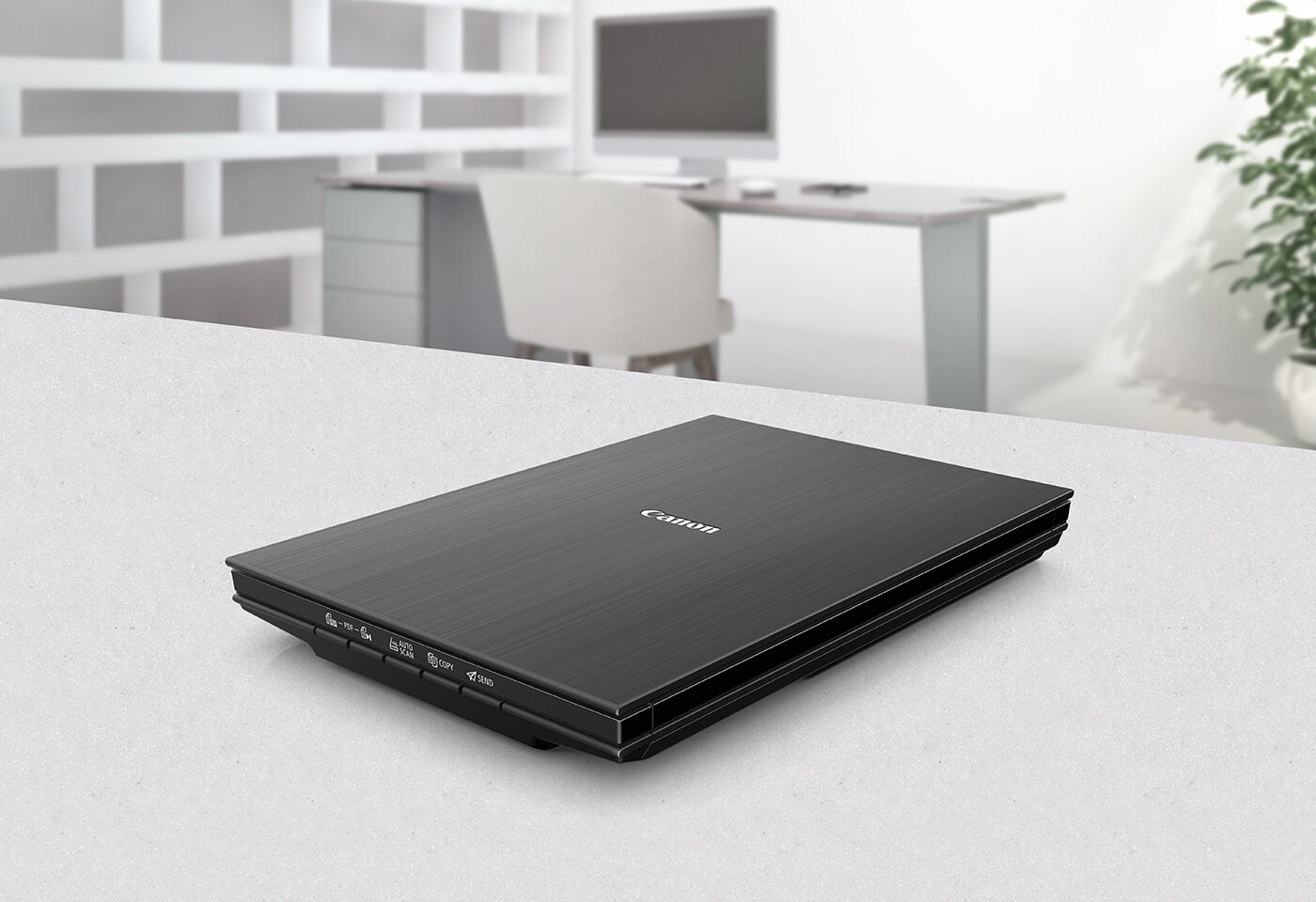
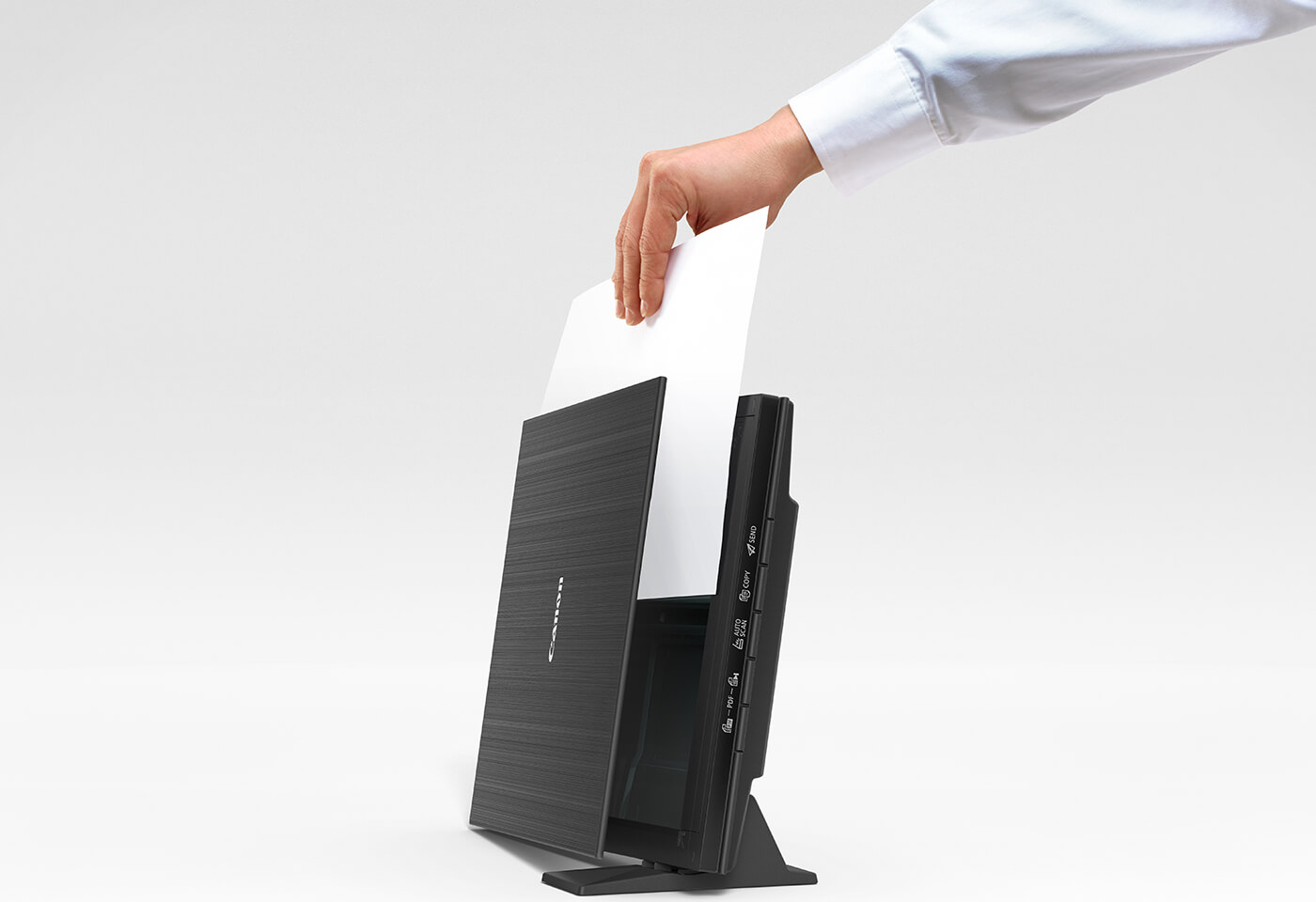
Free valuable desk space with the upright scanning and storage option.
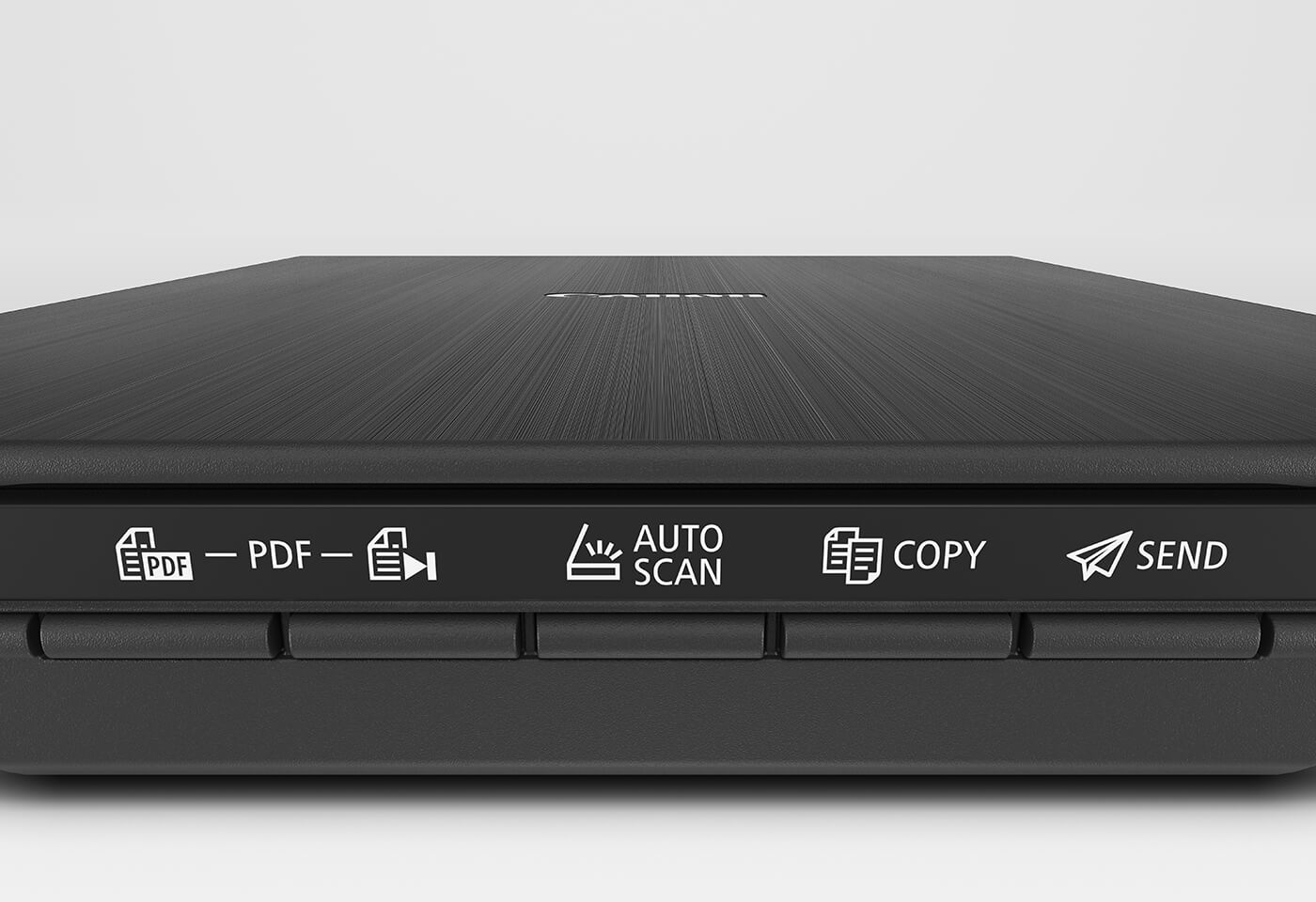
Work fast with EZ buttons that allow you to instantly Auto Scan, copy, email, and produce PDFs, plus a fifth EZ button to complete multi-page PDFs.
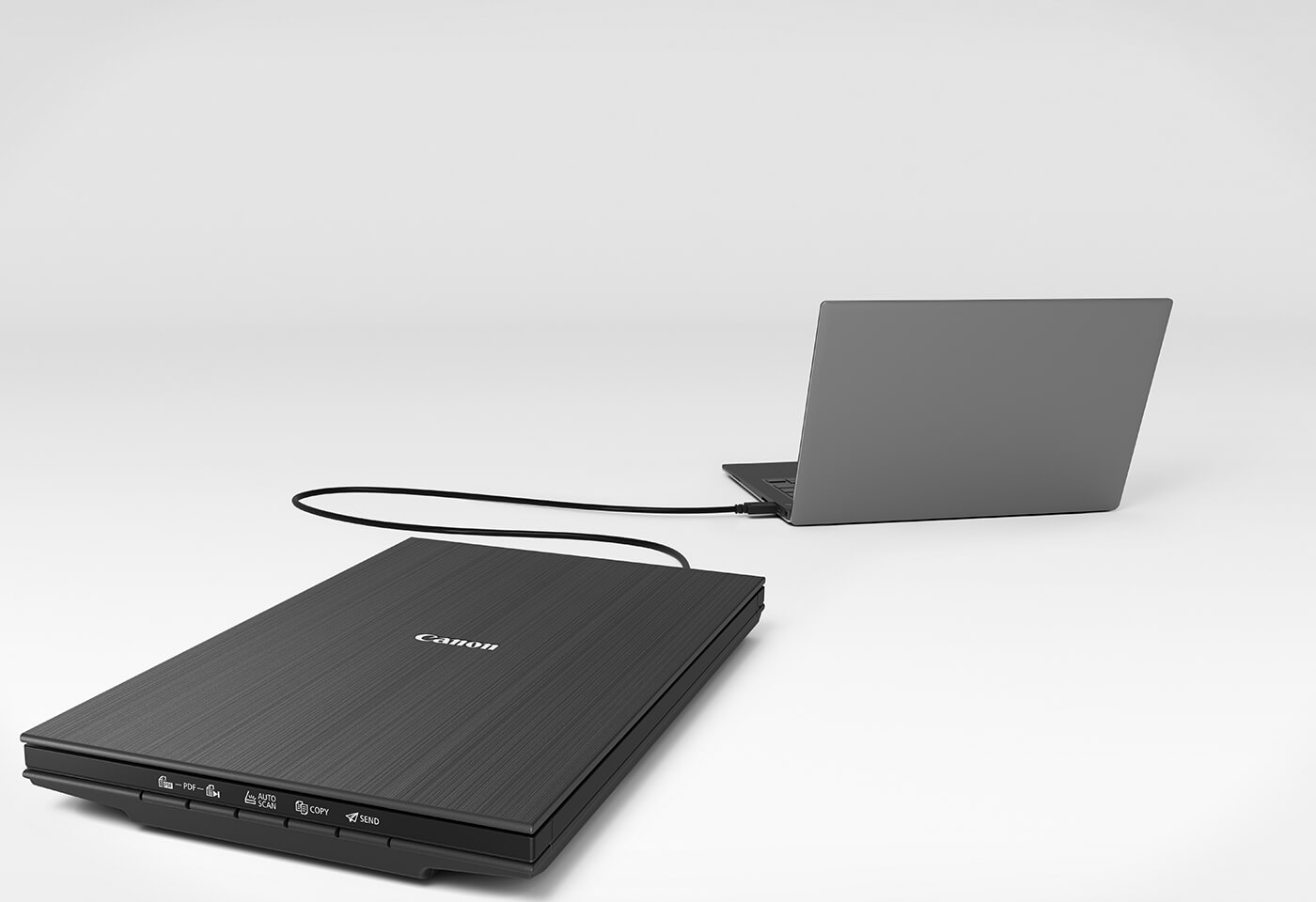
Scan confidently through a convenient USB Type-C connection. Simply plug into a PC or laptop and scan in seconds, without relying on a power outlet.
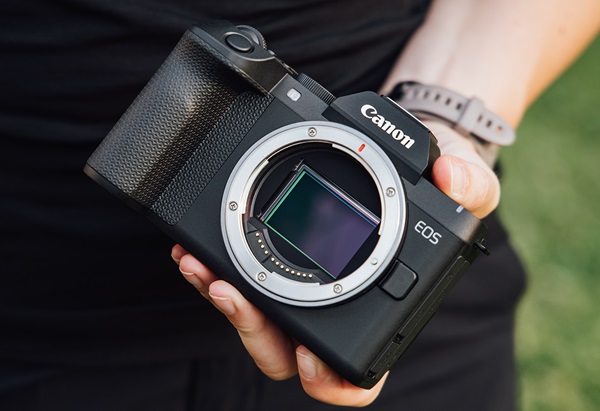
Discover the key differences between full-frame and APS-C cameras, including wider field of view, background blur and low-light performance, and find out which sensor is right for you.
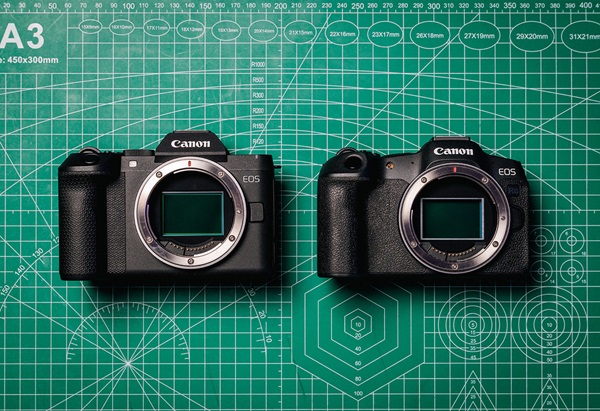
Compare the EOS R8 Mark II and EOS R8, including image pprox.ation, autofocus, video features and portability, to find the right camera.
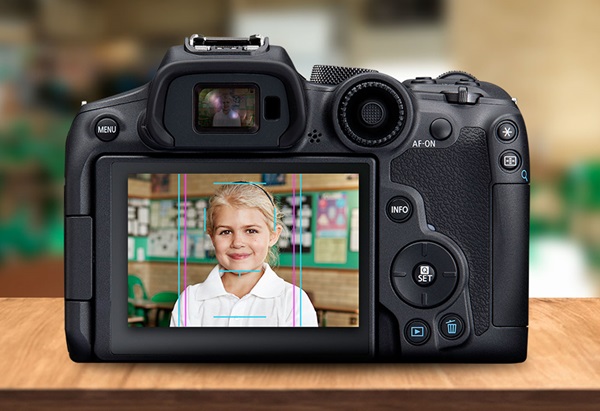
Optimise your photography with the Canon Cropping Guide Feature
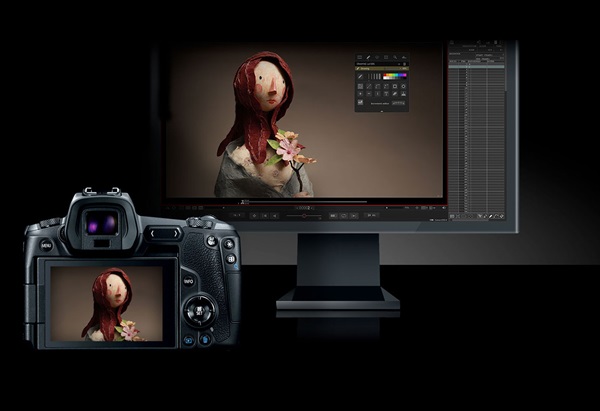
Stop motion made easy for animators to lock in focus and movement within every frame.
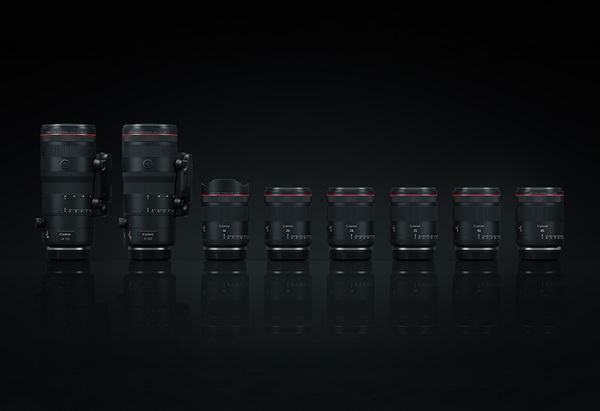
Canon has expanded the new generation, L-series range of Hybrid lenses.

From overcoming failure to adopting the right mindset, Canon Ambassador, Kate Cornish shares her tips on becoming a filmmaker.
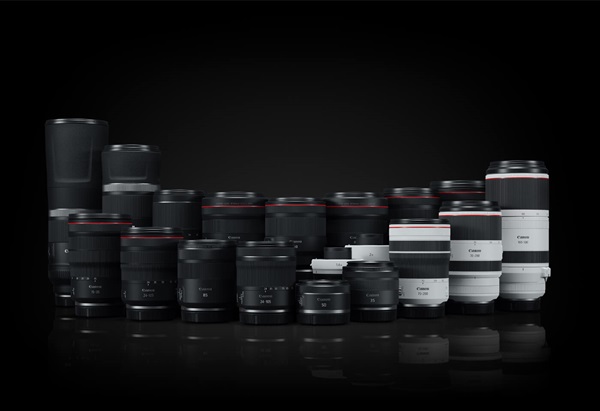
EF lenses vs RF lenses- We explore the top 5 reasons why Canon’s RF system of lenses offers superior quality compared to EF lenses. How to choose which is best for you.