





- Canon EOS R6 V: Top Features for Video Content Creators
-

Hello!
We've noticed that you are in .
Visit Canon .
 Close
Close
The EOS R6 V is designed with solo video content creators in mind, while remaining versatile enough to support a wide range of video production workflows. It delivers professional‑grade results without the weight or complexity of traditional cinema gear, empowering creators to work lighter, move faster, and create with confidence in any environment.
To put the EOS R6 V to the test, we partnered with Sydney-based content creator Jayson Robertson, who explored Australia’s diverse landscapes with the camera in hand. Working primarily as a solo operator, Jayson put the camera through real‑world scenarios that reflect how many creators shoot today. Here’s a deep dive into the top features that stood out in his creative workflow.
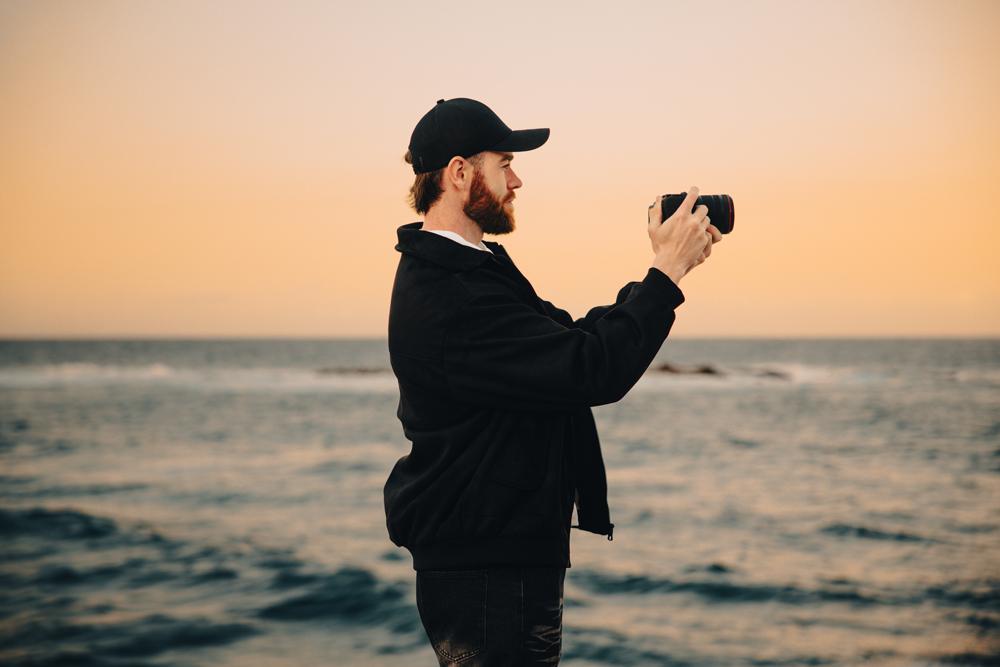
The EOS R6 V’s built-in stabilisation delivers smooth, steady footage, even when shooting handheld or moving across uneven terrain. For solo creators, this means you can capture cinematic motion without relying on heavy rigs or extra gear. The stabilisation system adapts to different shooting styles, supporting both dynamic movement and controlled compositions.
• Enables handheld shooting with professional stability
• Reduces the need for additional stabilising equipment
• Maintains smooth footage in challenging environments
“The built-in stabilisation makes handheld shooting feel super smooth, even when you’re moving across uneven terrain. For me, it meant I could focus on the creative side and not worry about whether the shot would hold together. Whether I was on the coast, in the mountains, or deep in the rainforest, the camera just kept up. It really let me react to the moment and capture scenes as they unfolded, without overthinking the technical side.”
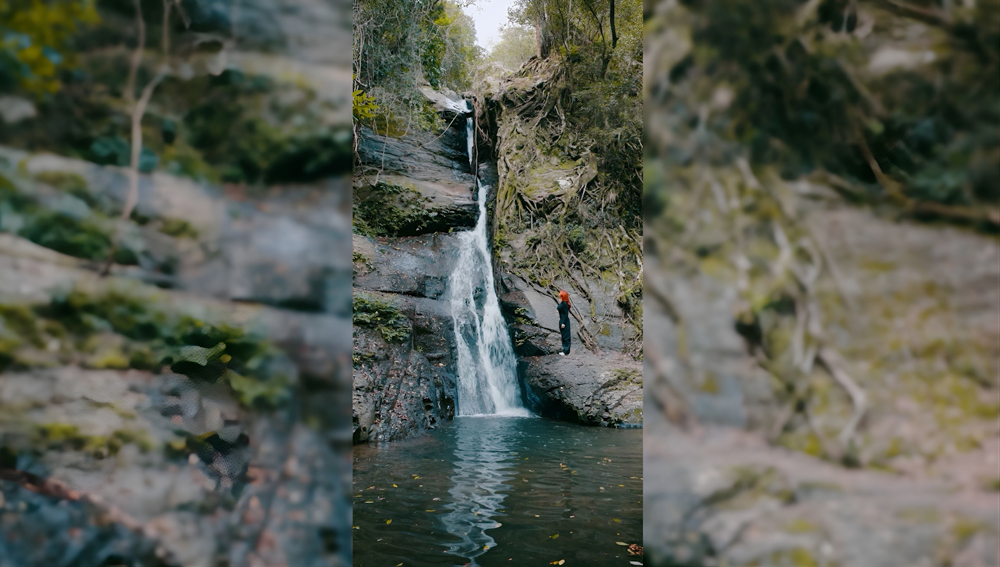
Open gate and RAW recording give creators maximum flexibility in post-production. By capturing the full sensor area, you can reframe for both horizontal and vertical formats, and RAW files provide greater latitude for colour grading and exposure adjustments. This feature is especially valuable for creators delivering content across multiple platforms.
• Capture footage for multiple aspect ratios in a single take
• Greater creative control in post-production
• Future-proofs your content for different platforms
“I started leaning into shooting open gate and in RAW, just to give myself as much flexibility as possible later on. It also means I can frame for both horizontal and vertical if I need to, which is super useful depending on where the video ends up. Especially with landscapes like this, you don’t want to limit what you can do in post. Having that freedom really changed how I approached each scene.”
The ability to import and preview creative LUTs on location allows creators to see their intended look in real time. This helps with making confident decisions about exposure, colour, and mood while still on set, ensuring the final footage matches your creative vision.
• Preview your grade in-camera before post-production
• Make informed creative decisions on location
• Streamlines the workflow for consistent results
“The creative LUTs were also a nice touch. Being able to import your own and preview a look on location really helps you make decisions on the spot. It’s a big help when you want to keep your visual style consistent, especially when you’re moving between different environments. It just makes the whole process feel more intentional.”
A dedicated vertical mount makes it easy to switch between horizontal and vertical shooting, which is essential for creators producing content for multiple platforms. The secure fit ensures the camera stays stable, speeding up your workflow and giving you confidence in every orientation.
• Fast, secure transitions between shooting orientations
• Supports multi-platform content creation
• No slipping or movement during vertical shooting
“I don’t always shoot vertically, but I was really excited to test out the vertical mount. Having a proper vertical mount makes the camera sit nice and snug without any slipping or movement. It’s small things like that which really speed up your workflow, especially when you’re out in the field and need to adapt quickly.”
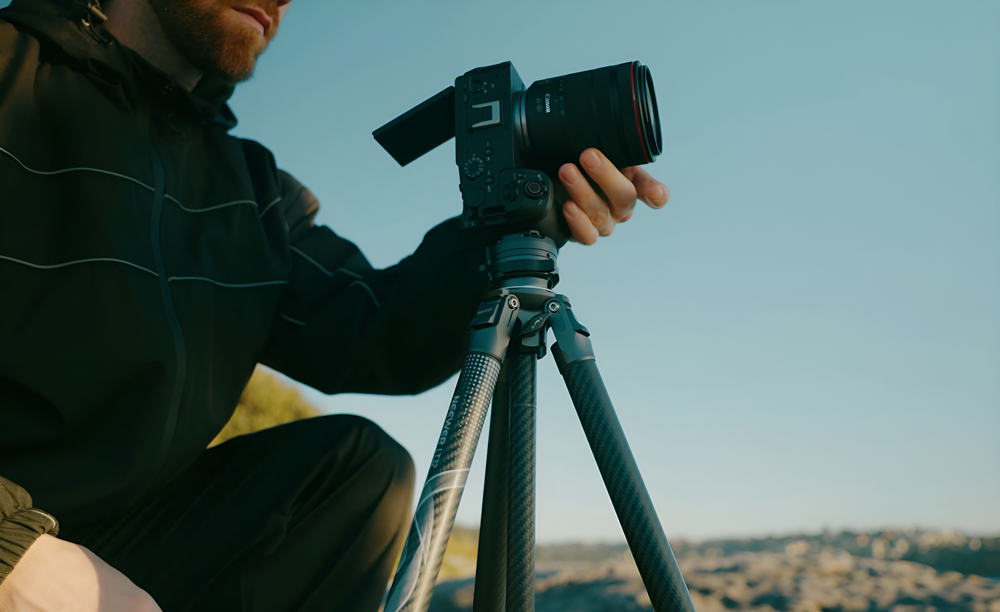
The power zoom feature allows for smooth, natural reframing during a shot, letting you adjust composition without interrupting the flow when paired with lenses like the RF 20-50mm f/4L IS USM PZ. This is especially useful for solo creators who need to react quickly to changing scenes and want to maintain a cinematic feel.
• Enables fluid reframing without stopping the shot
• Maintains creative momentum in dynamic situations
• Feels intuitive and easy to use for solo operators
“The power zoom feels natural and easy to use, especially in moments where I needed to quickly adjust framing without breaking the flow of the shot. It’s one of those features that just fits into your process and lets you stay focused on the story, not the gear.”
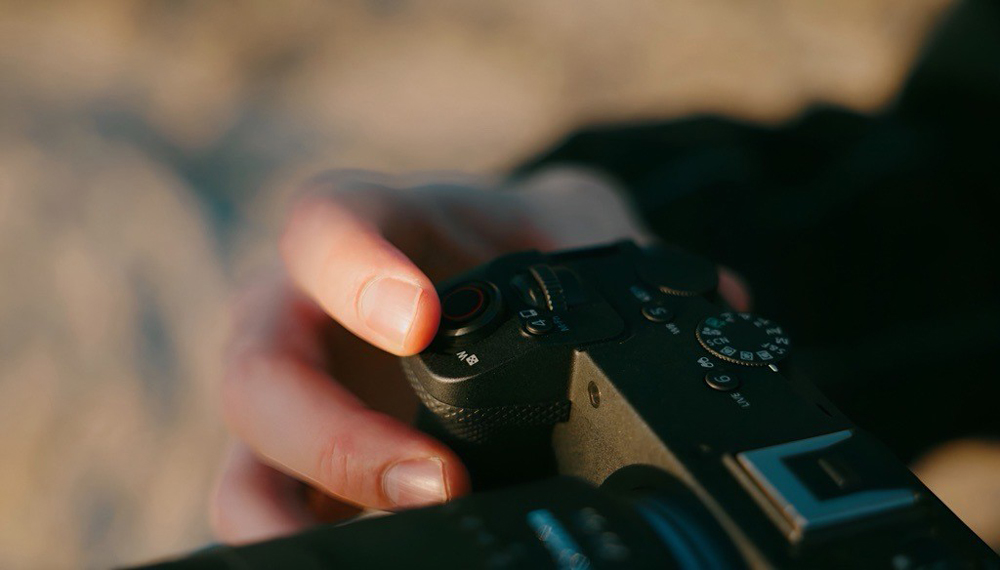
Using the EOS R6 V reminded me that the best moments come when you can focus fully on the story in front of you. Moving between locations and shooting styles felt seamless, and nothing slowed the creative process — from handheld capture to more controlled setups. Whether working solo creator or as part of a lightweight production, the EOS R6 V is a camera you can rely on.
Watch Jayson’s video ‘Australian Landscapes’:
Find out more about the EOS R6 V
See more of Jayson’s work
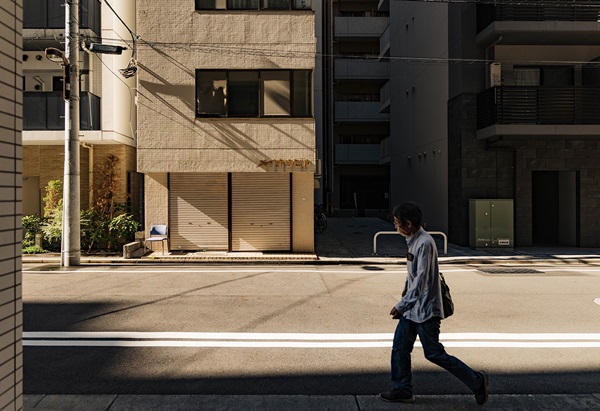
Learn how to use morning light, midday contrast, sunset colour and city lights with street photography tips inspired by Jeremy Ho’s Tokyo shoot.
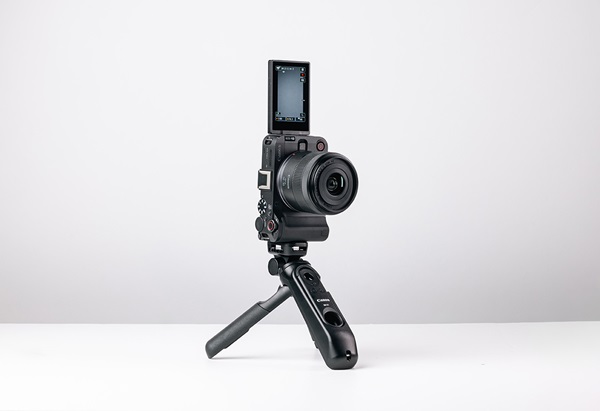
Discover the best cameras, lenses, and accessories for video production. From vlogging to professional filmmaking, explore top recommendations and expert tips to enhance your video quality.
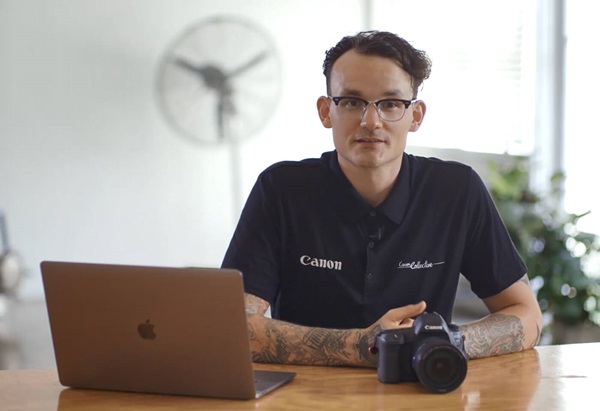
Learn how to shoot video in 4K with this step-by-step guide.