Canon Group
 Close
Close
Close
Close

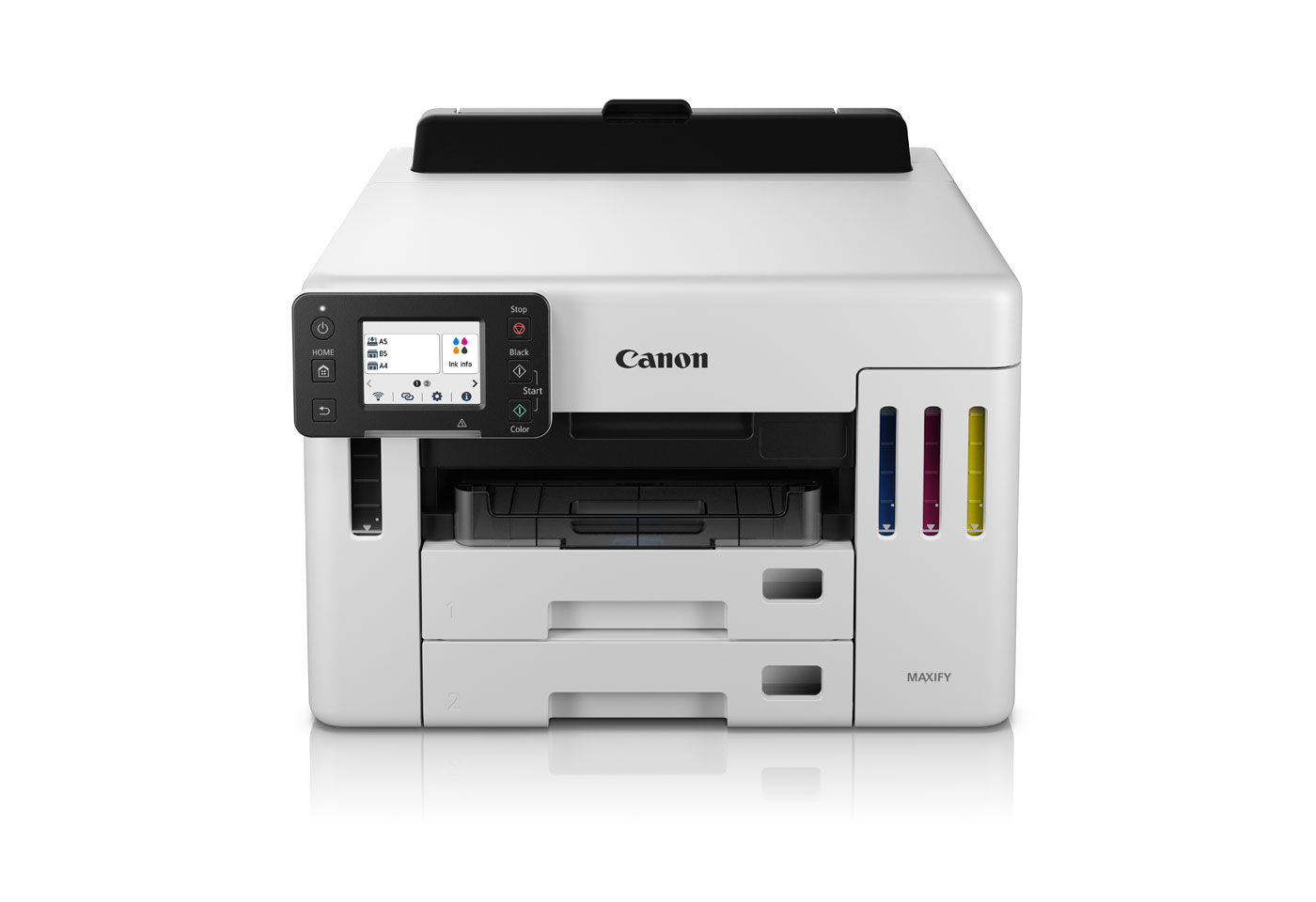
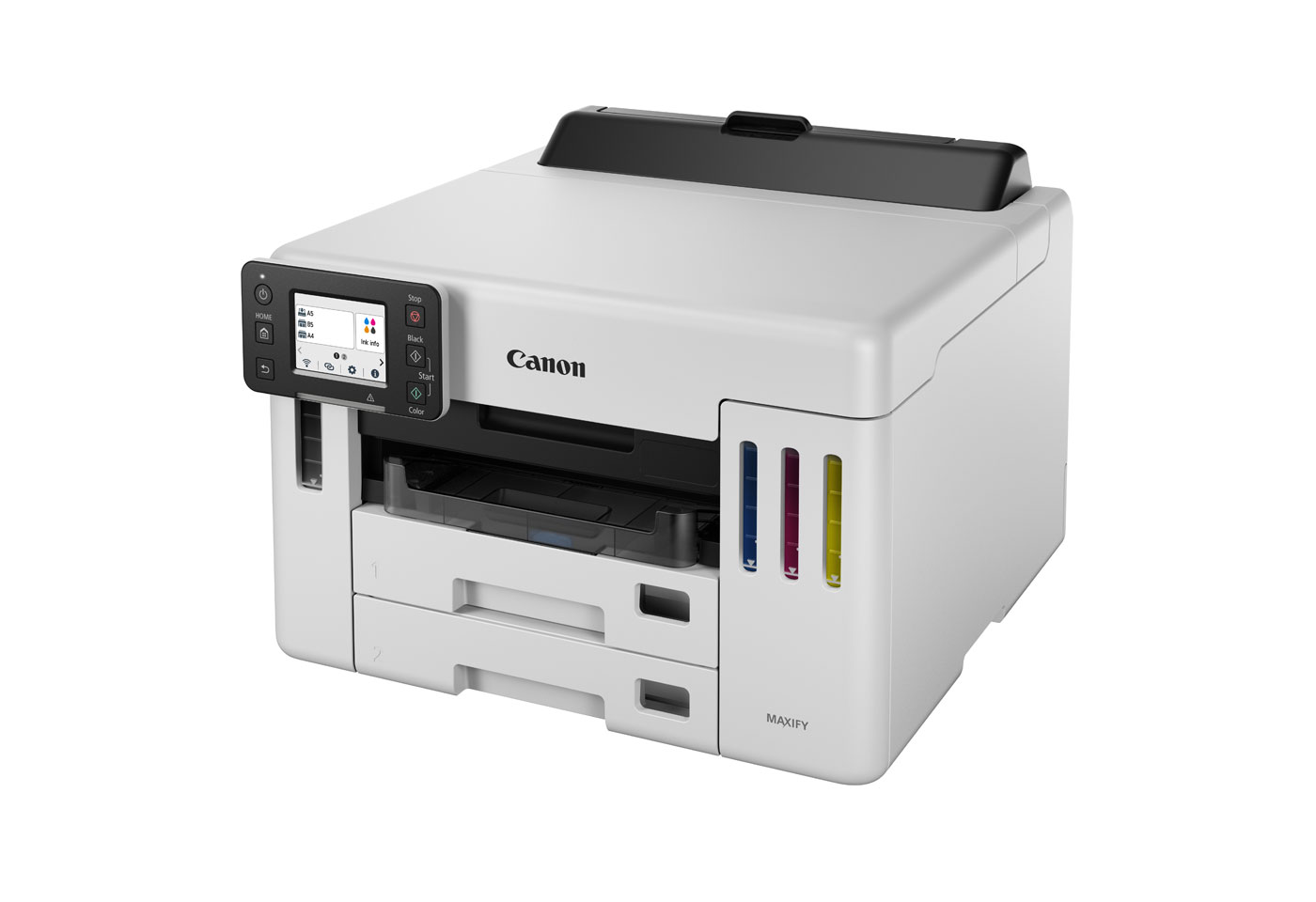
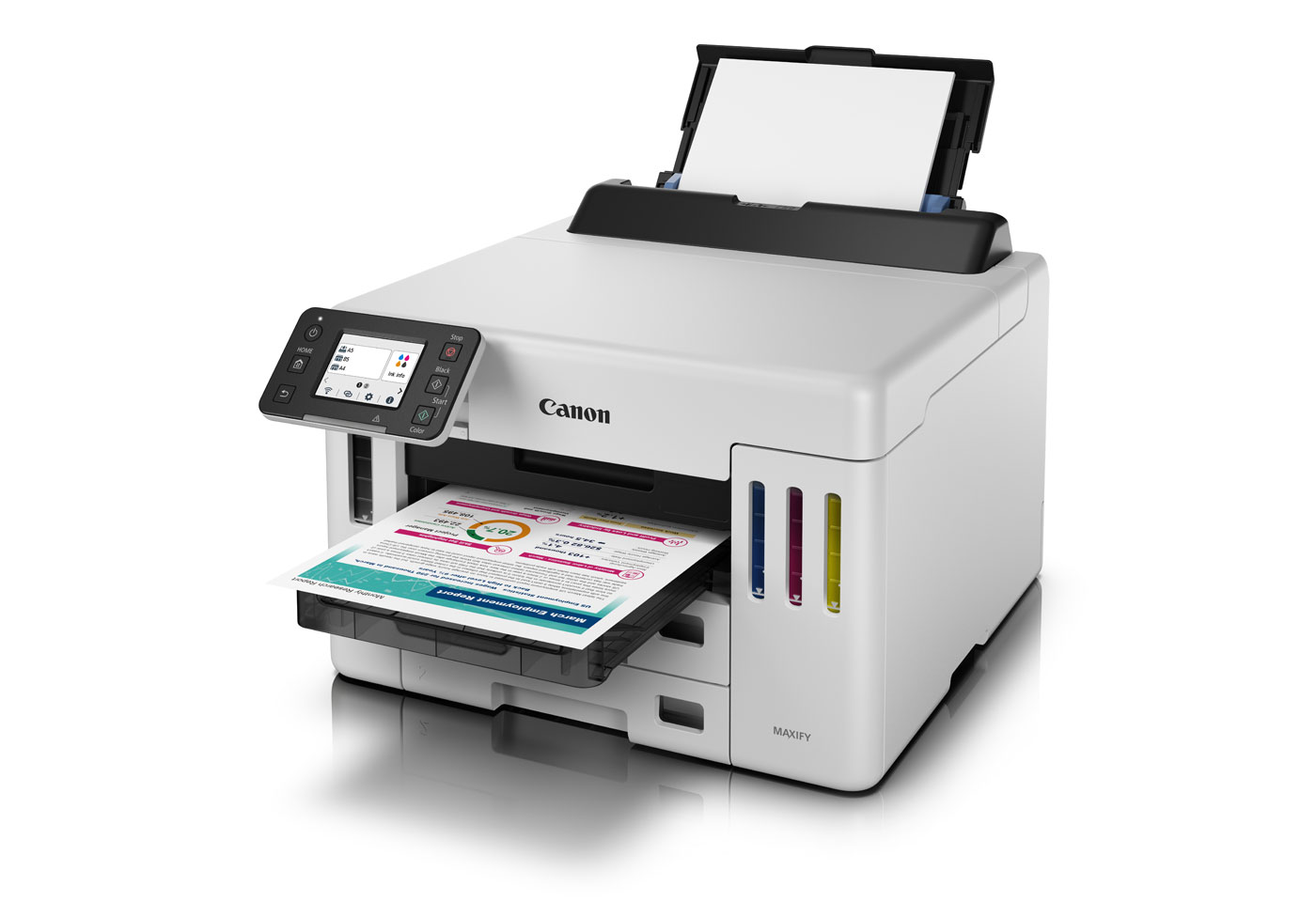
Equipped with Canon's new mega-sized tanks, the MAXIFY GX5560 MegaTank boasts printing yields of up to 6,000 B&W A4 prints and up to 14,000 colour prints per set of ink bottles, reducing the need to think about replacing your printer's ink as frequently. Economy Mode helps you get even more from your MegaTank printer, achieving up to 9,000 A4 B&W pages and up to 21,000 colour pages per set of ink bottles.¹
The MAXIFY GX5560 MegaTank high capacity printing, in a compact footprint ideal for budding entrepreneurs or a busy small office. Also save space on the consumables because the refillable ink bottles are compact enough to hold spares close to the printer.

The MAXIFY GX5560 MegaTank is designed with a user-replaceable maintenance cartridge, ensuring your printer continues to run reliably day-to-day.

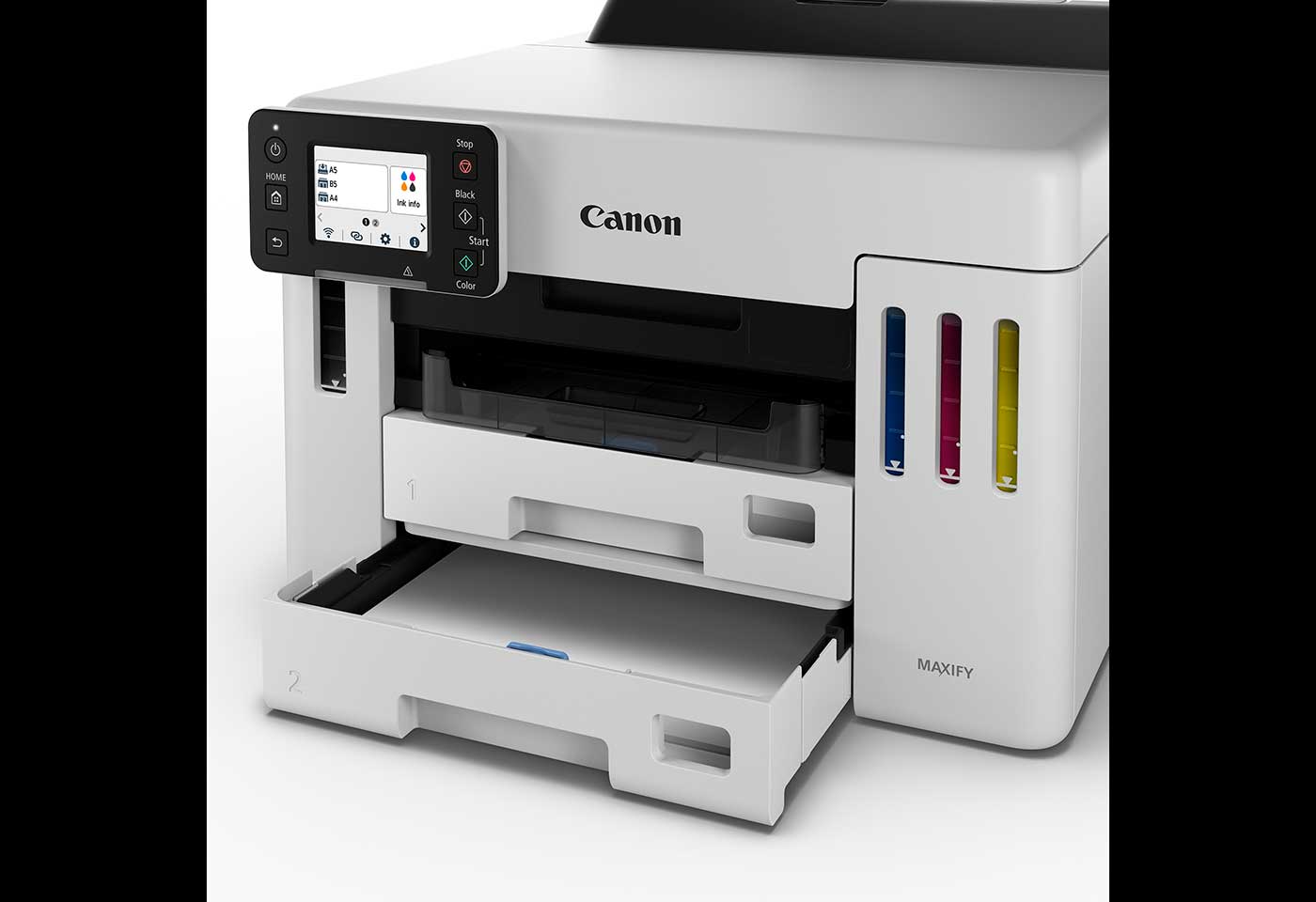
Achieve high productivity without compromising on space thanks to a compact design, featuring two cassettes, each with 250-sheet capacity, and a rear tray feed with 100-sheet capacity.
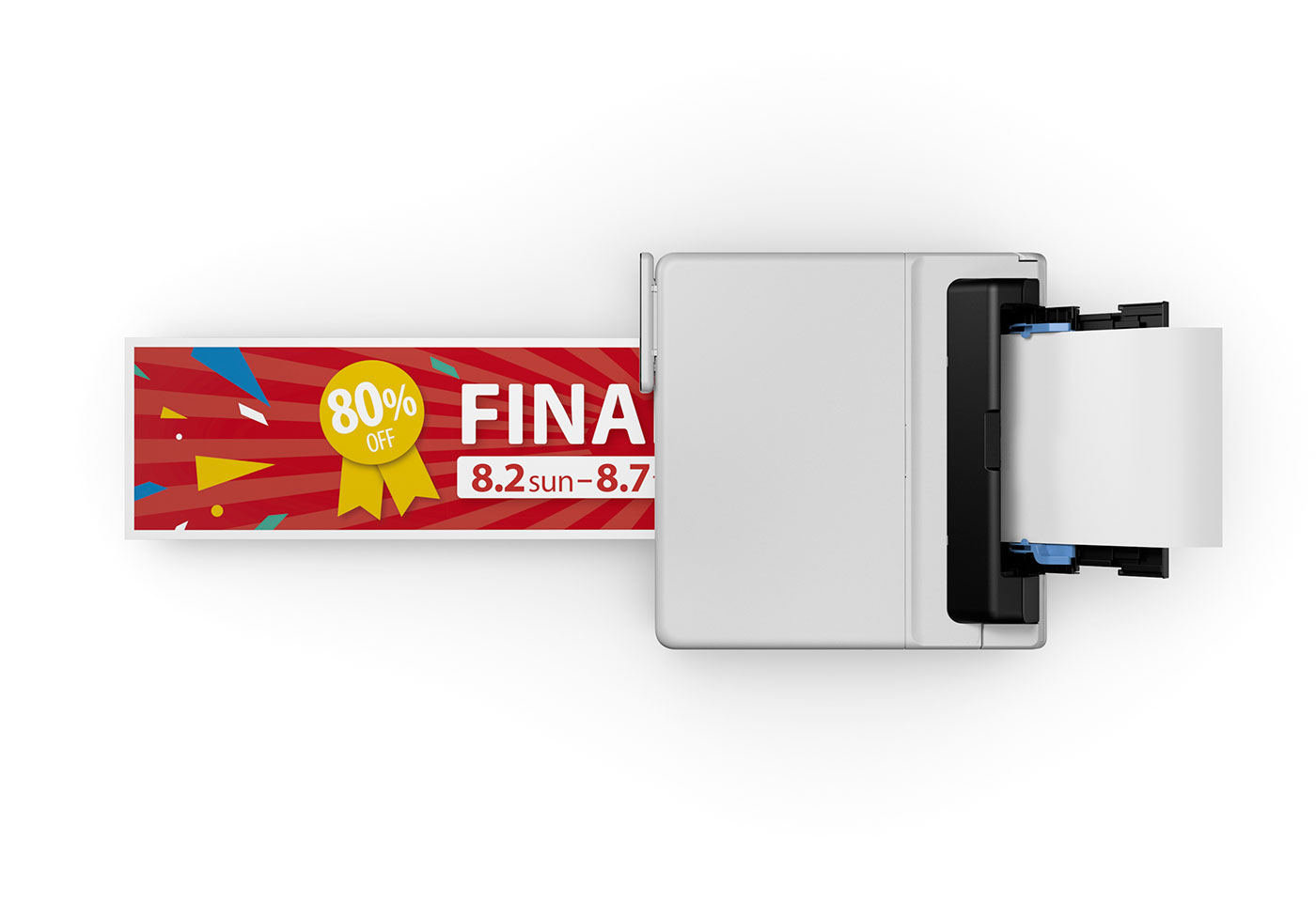
In addition to delivering high-quality documents, the MAXIFY GX5560 MegaTank is ideal for retail, logistics and pharmacy environments, print on a wide range of paper weights, glossy labels, envelopes, delivery slips and more thanks to versatile media handling.
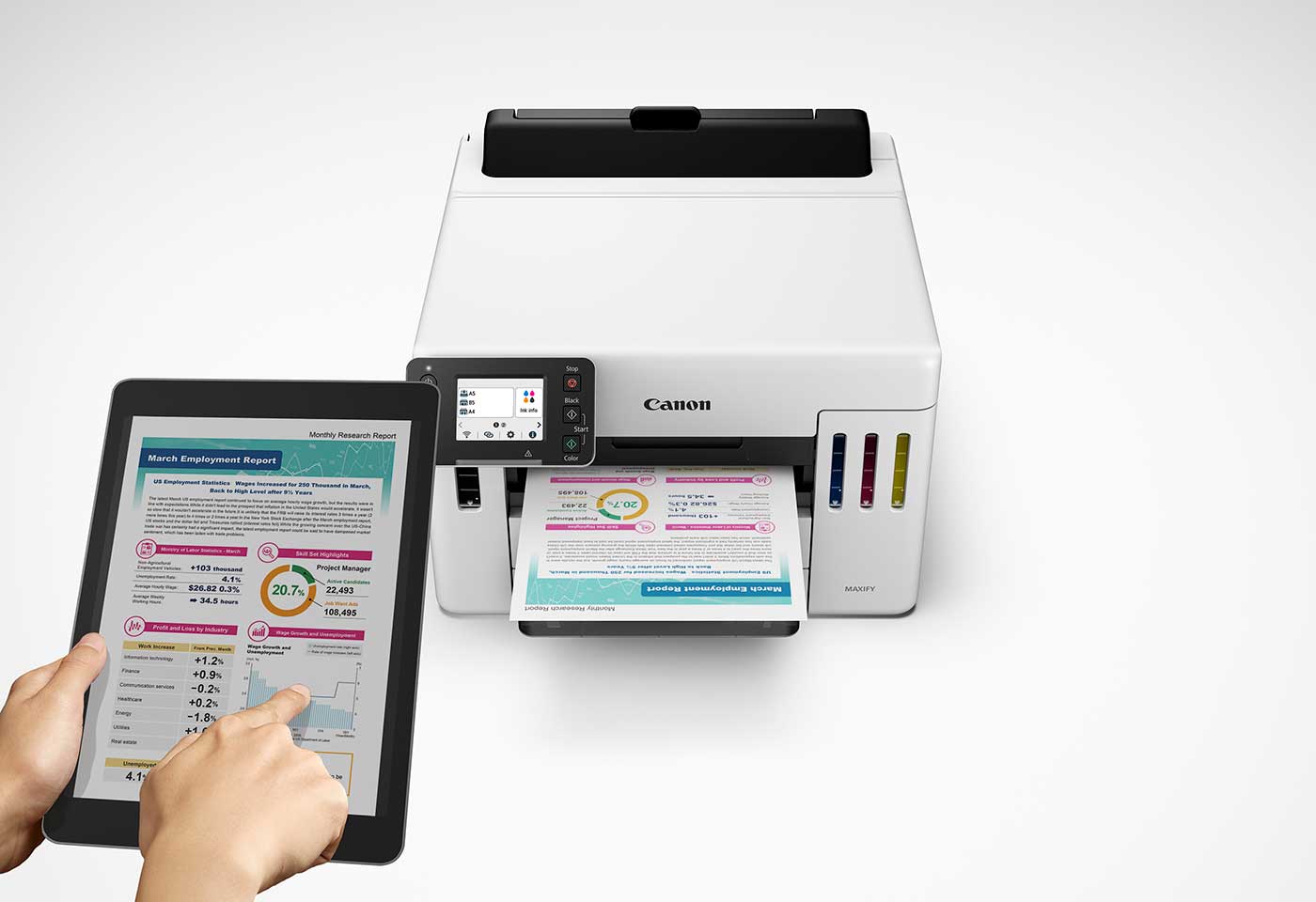
The MAXIFY GX5560 MegaTank is designed with security and data privacy in mind. Prevent paper based data leakage and unauthorised access with easy to manage device encryption through your home or office network.
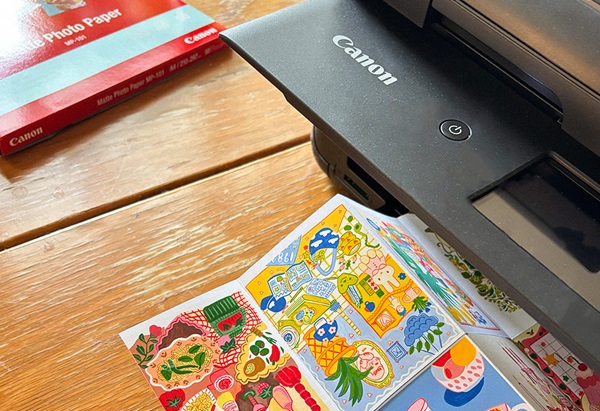
Explore 11 fun ways to use Canon photo and magnet paper with the Canon PIXMA TS9560a – from zines to cards, crafts, scrapbooks and more.
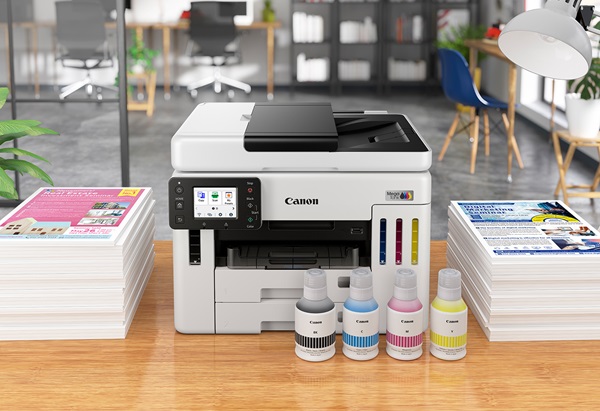
Canon MegaTank: Why you need a continuous ink tank printer
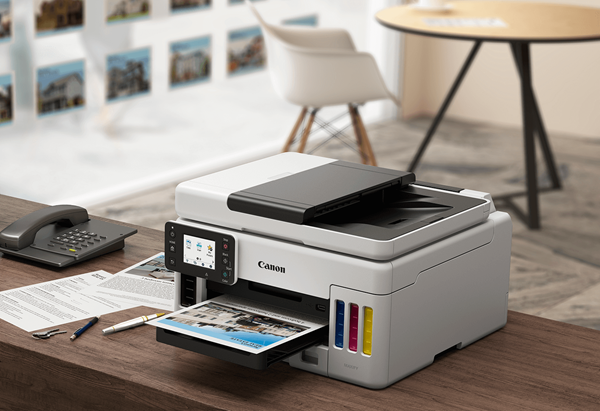
How MAXIFY MegaTank Small Business Printers Can Save You Money
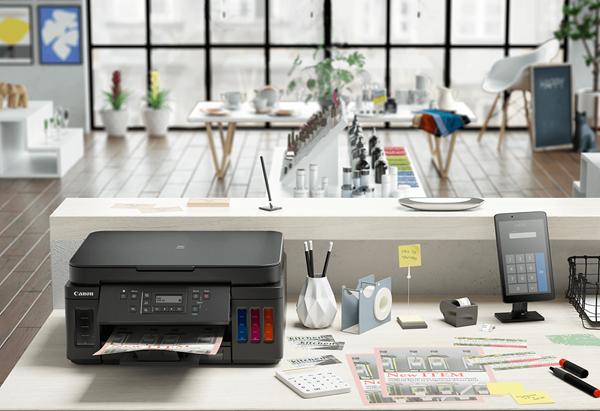
Does your printer drink too much ink? Follow our top tips to get the most our of your Canon printer with Genuine Canon Inks.

Canon’s MegaTank printers offer you convenient and cost-effective printing. With refillable ink tanks that last longer, you’ll be sure to save money on ink.
More about MegaTank Printers
To handle the stuff of life you need a quality printer. We pride ourselves on creating technology products that are as easy to use as they are versatile, backed by a 2-year warranty you can print with confidence ensuring they're ready when you are. See full terms at canon.com.au/warranty
Ij.start.canon is your one-stop destination for help with setting-up and getting more out of your Canon inkjet printer. Our simple guides take the pain out of setting up your new printer.
Connect your smartphone or device to your printer with the Canon PRINT app. Within seconds, you can transform images or documents on your device into something tangible.

We’ve specially designed our Genuine Canon inks so that it functions seamlessly with your Canon printer and delivers superior performance. We want you to be confident about your purchase and know you’ll have a great experience, every time.
• Page yield of ink bottle used for initial setup is lower than a replacement as a certain amount of ink is used to fill the print head during setup. Page yield is the estimated value based on Canon's individual test method using the ISO/IEC 24712 colour chart and continuous printing simulation with the replacement ink bottles after initial setup. Black and colour page yields are not to be combined. Page yield varies significantly depending on contents printed and other factors. More information on page yield here - https://www.canon.com.au/printers/ij-page-yields.
Standard Disclaimer
• If your inkjet printer is found defective within the applicable manufacturer warranty period, we’ll replace it with the same, or an equivalent model. Excludes damage caused by external factors. For full terms see: www.canon.com.au/warranty or the card in the printer box.
• USB cable not included.