
 Close
Close









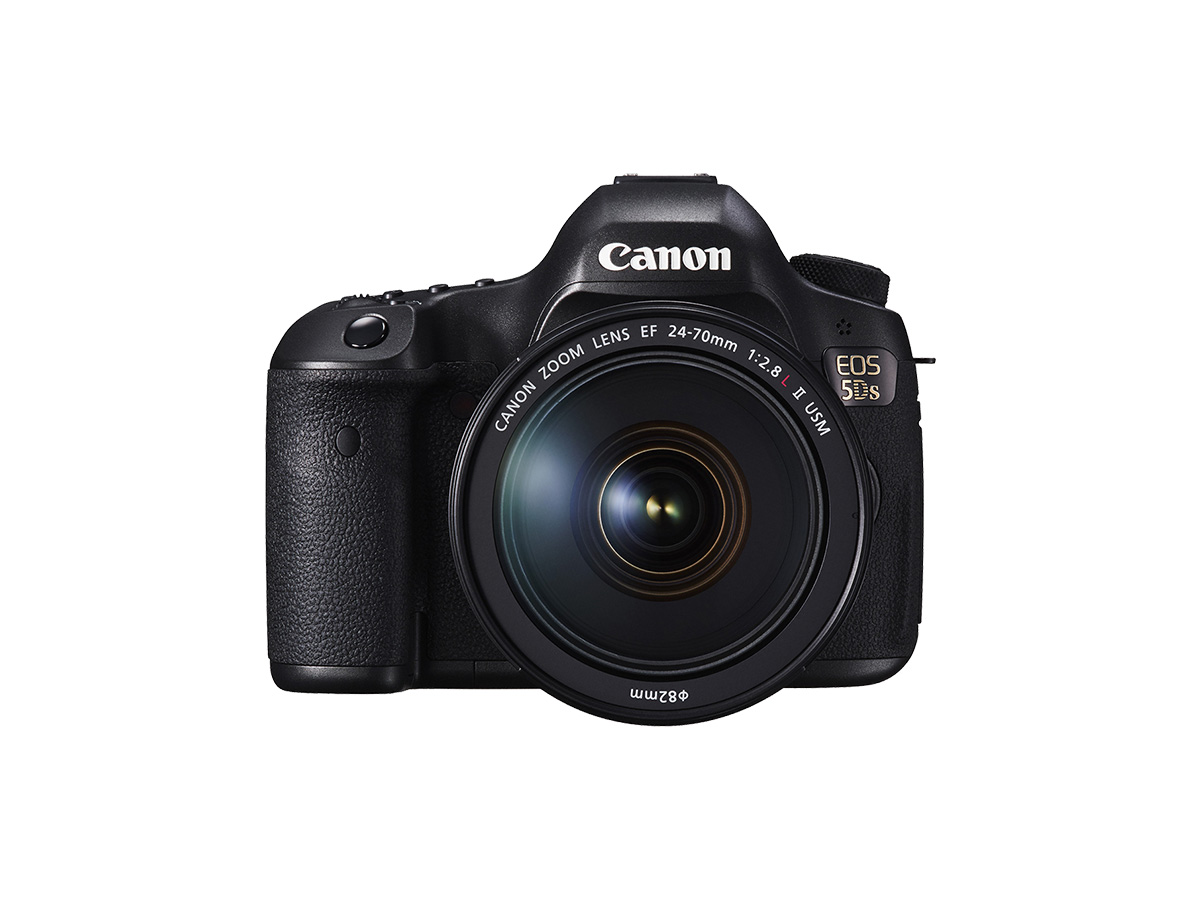
Highlight detail and shadow detail are retained for a high dynamic range of tones even with high-contrast scenes. HDR shooting is effective for landscape and still-life shots. With HDR shooting, three images of different exposures (standard exposure, underexposure, and overexposure) are captured for each shot and then merged together automatically. The HDR image is recorded as a JPEG image.
* HDR stands for High Dynamic Range.
Setting HDR
1. Set the camera’s power switch to [ON].
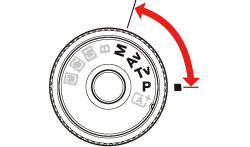
2. Set the Mode Dial to [ P / Tv / Av / M ].
3. Press the [ 
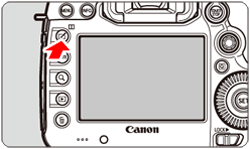
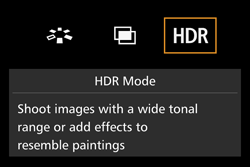
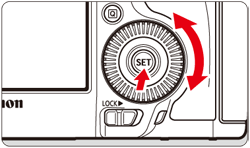
4. Turn the [ 

Caution
You can also set HDR shooting with [ 
5. Set [Adjust dyn range].
] dial to select [Adjust dyn range], then press [ ]. ] dial to select the desired dynamic range setting, then press [ ].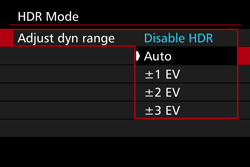
6. Set [Effect].
] dial to select [Effect], then press [ ]. ] dial to select the desired effect, then press [ ].For more information on available effects, please refer to 'Effects' at the bottom of the page.
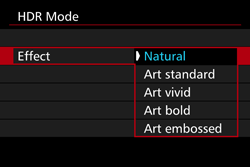
7. Set [Continuous HDR].
] dial to select [Continuous HDR], then press [ ]. ] dial to select [1 shot only] or [Every shot] then press [ ].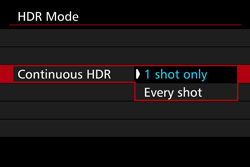
8. Set [Auto Image Align].
] dial to select [Auto Image Align], then press [ ]. ] dial to select [Enable] for handheld shooting, or select [Disable] when using a tripod, then press [ ].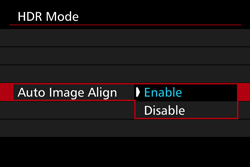
9. Set the images to be saved.
] dial to select [Save source imgs], then press [ ]. ] dial to select [All images], then press [ ]. ] dial to select [HDR img only], then press [ ].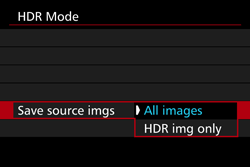
10. Take the picture.
Caution
 quality. If the image-recording quality is set to RAW+JPEG, the HDR image will be recorded in the JPEG quality set.
 : Auto Lighting Optimizer], [ Highlight tone priority], and [
  : Expo. simulation] will be automatically switched to [Disable].
Effects
For images preserving a wide tonal range where the highlight and shadow details would otherwise be lost.
While the highlight and shadow details will be better preserved than with [Natural], the contrast will be lower, and the gradation flatter to have the picture look like a painting. The subject outlines will have bright (or dark) edges.
The colors are more saturated than with [Art standard], and the low contrast and flat gradation create a graphic art effect.
The colors are the most saturated, making the subject pop out, and the picture look like an oil painting.
The color saturation, brightness, contrast and gradation are decreased to make the picture look flat. The picture looks faded and old. The subject outlines will have bright (or dark) edges.
| Art standard | Art vivid | Art bold | Art embossed | |
|---|---|---|---|---|
| Saturation | Standard | High | Higher | Low |
| Bold outline | Standard | Weak | Strong | Stronger |
| Brightness | Standard | Standard | Standard | Dark |
| Tone | Flat | Flat | Flat | Flatter |
Caution
Each effect will be applied based on the characteristics of the Picture Style currently set.