
 Close
Close





If you cannot shoot the subject up close with the optical zoom, please consider the following.
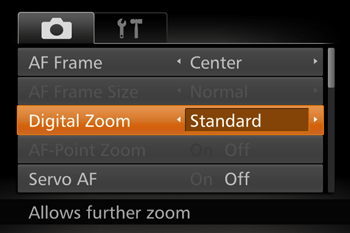
Using the digital zoom
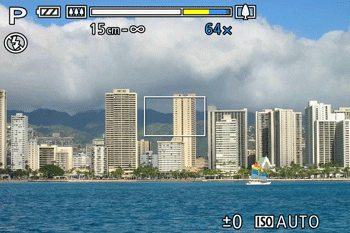
You can use the digital zoom to zoom up to a maximum of approximately 80x and capture subjects that are too far away for the optical
Press the ⋖MENU⋗ button (

Caution
- [High-speed Burst HQ] (


Caution
are as follows (all focal lengths are 35mm film equivalent): 25 – 2000 mm (25 – 500 mm when using the optical zoom alone)
Using ZoomPlus
Depending on how you have set the number of recording pixels and the magnification of the digital zoom, the zoom bar may be displayed in yellow (ZoomPlus).
To shoot with the digital zoom without causing the image quality to degrade, please shoot within the range of ZoomPlus.
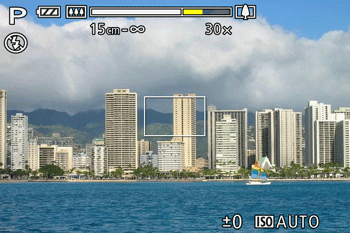
Caution
Zoomed images may look grainy under some resolution settings and zoom factors. In this case, the zoom factor is shown in blue.