
 Close
Close





Solution
The camera's [View Settings] option is set to [Off].
Please change the camera’s settings before connecting to the Android device.
Caution
The position and shape of the operation buttons, screens displayed, and setting items may differ according to the model you use.
1. Press the ⋖Playback⋗ button to turn the camera on.
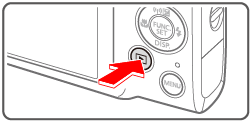
2. Press the ⋖ 
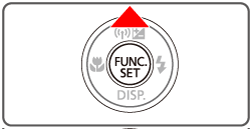
3. The following screen appears.
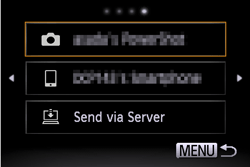
4. Press the ⋖

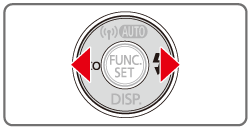
5. Choose [ 
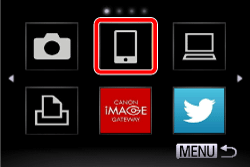
6. Press the ⋖

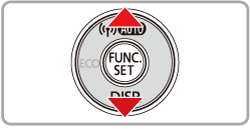
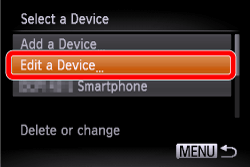
7. Choose your Android device.
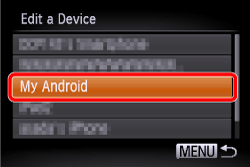
8. Set [View Settings] to [On].
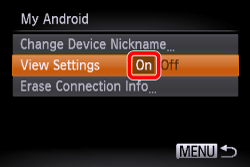
9. Press the ⋖MENU⋗ (
This completes the steps for changing the view settings.