
 Close
Close









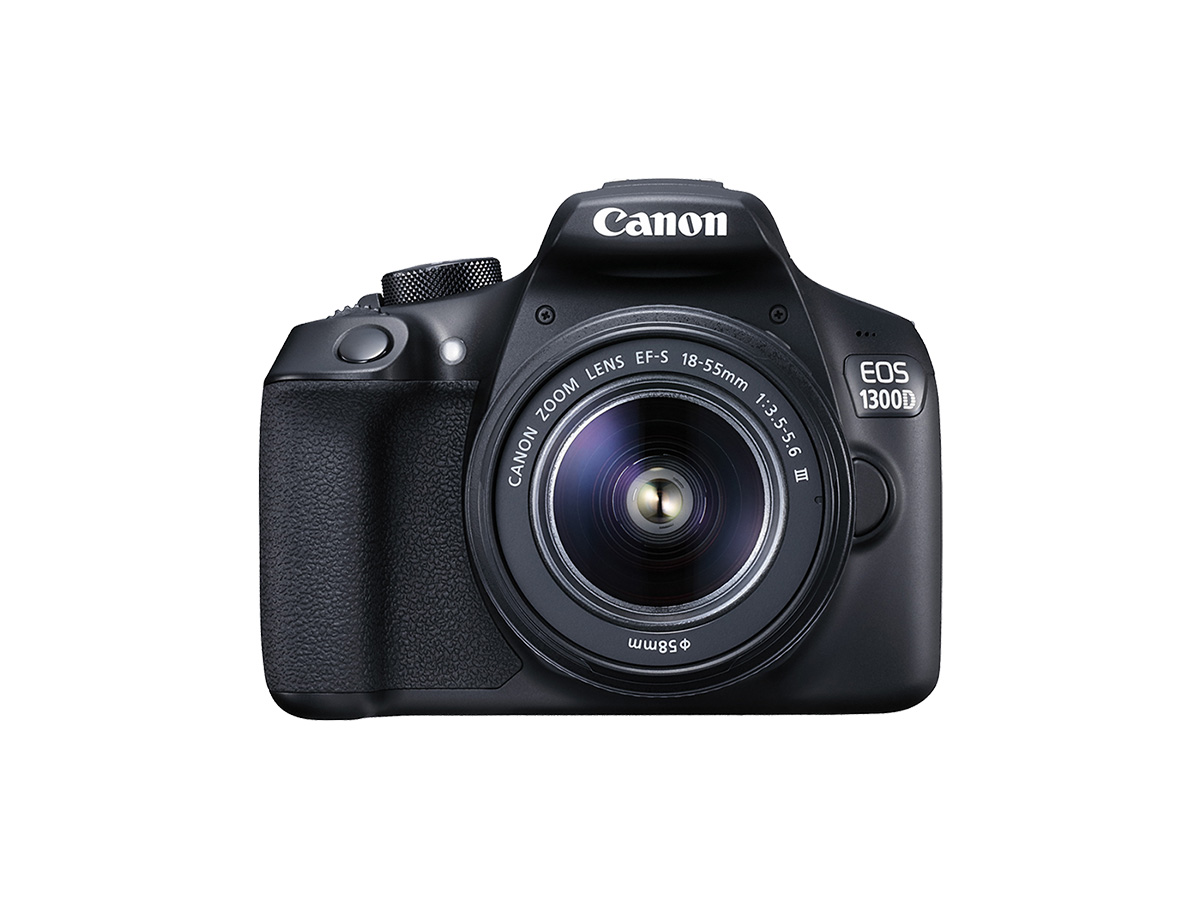
Solution
In the following shooting modes, the camera automatically decides whether to fire the built-in flash. As a result, if you are shooting in a well-lit area, the flash may not fire.
⋖ 
⋖ 
⋖ 
⋖ 
To fire the built-in flash while shooting, change the settings by following these steps.
1. Set the camera's power switch to ⋖ON⋗.
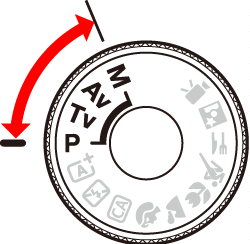
2. Set the Mode Dial to a Creative Zone mode.
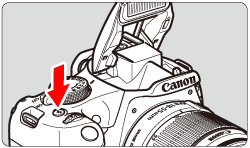
3. Press the ⋖ 
In Creative Zone modes, you can press the ⋖
While the flash is recycling, "
4. Press the shutter button halfway.
In the bottom left of the viewfinder, check that the ⋖

5. Press the shutter button all the way down to shoot.
When focus is achieved and you press the shutter button completely, the flash will fire for the picture.
Caution
You can also fire the built-in flash manually in the Basic Zone mode ⋖ 