Close
Close









Solution
[Night Snapshot] (
Caution
Screens or menu listings may differ depending on the camera model being used.
As the actual locations of buttons / switches on cameras vary depending on the camera model, the illustrations that appear on this page may differ from your camera.
The following explanations are provided based on the assumption that the [Shooting Mode] is set to [Program AE] ( ).
).
).1. Press the ⋖Power⋗ button on the camera.
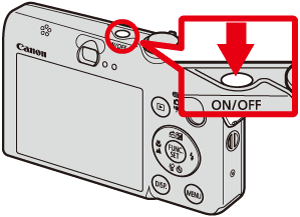
2. Press the ⋖FUNC./SET⋗ (
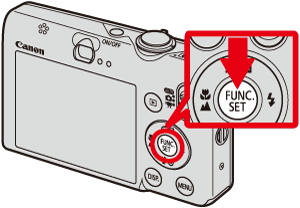
3. The following screen will appear on the LCD monitor.
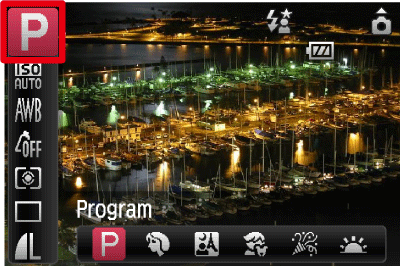
Operate the ⋖directional buttons⋗ up or down to select the [Program] (
4. Select the [Night Snapshot].
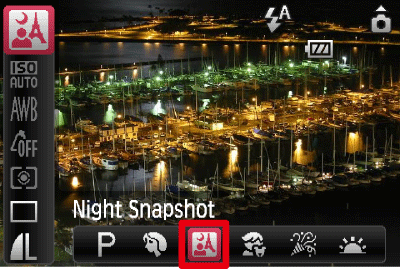
Operate the ⋖directional buttons⋗ left or right to select the [Night Snapshot] (
After the settings are completed, press the ⋖FUNC./SET⋗ (
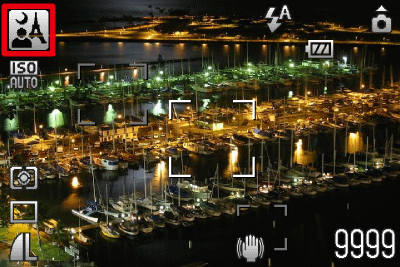
5. If the following icon appears on the LCD monitor, this setting is completed.