Close
Close





Solution
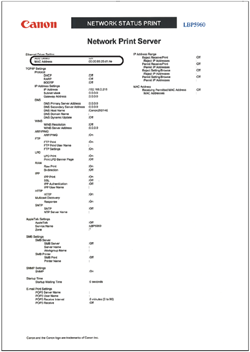
To confirm the MAC address, perform Network Status Print with the printer's control panel using the following procedure.
1. If the printer is not online, press [Online] to turn the Online indicator on.
2. Press [Utility].
3. Select NW STATUS PRINT using [