
 Close
Close









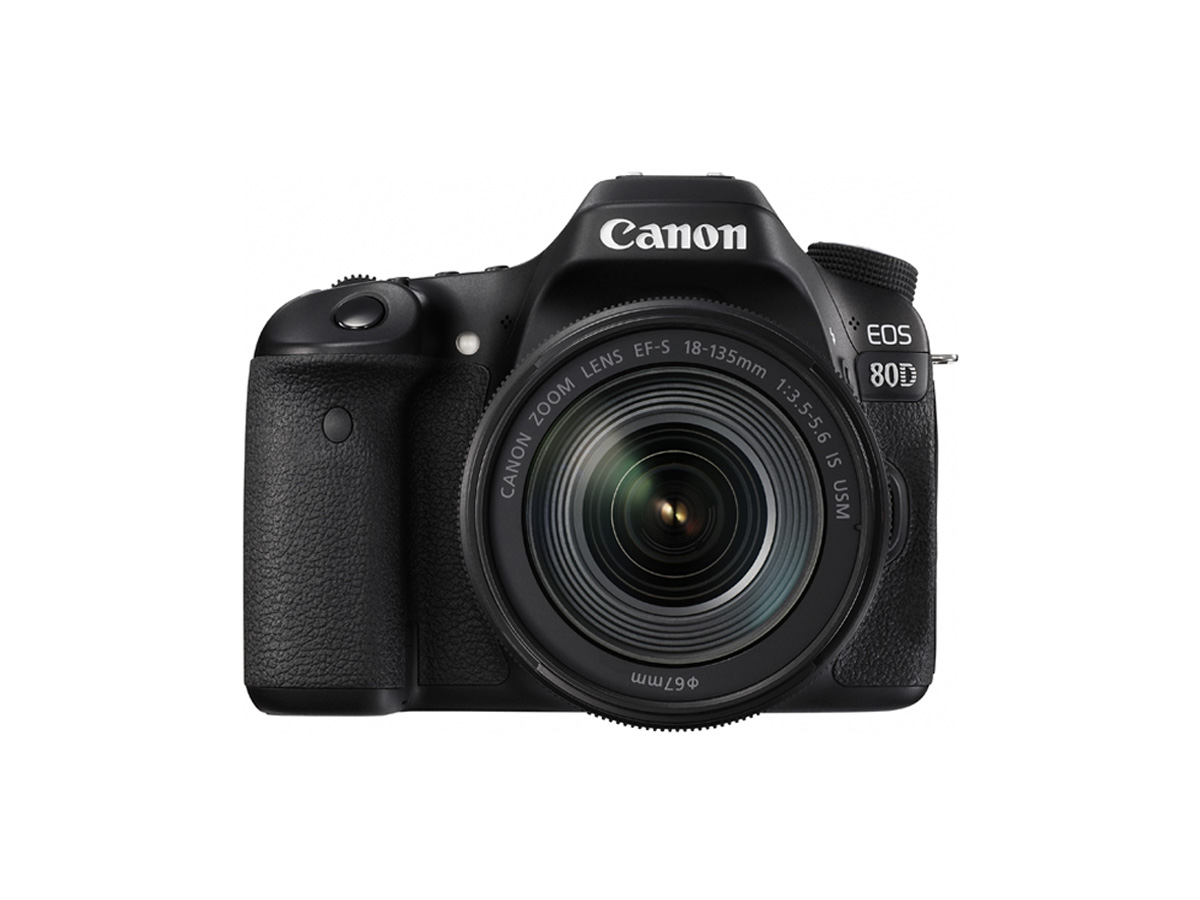
Solution
[ 


To turn off auto flash for the built-in flash, either set the shooting mode to ⋖ 

Caution
[Flash off] cannot be set in [ 
1. Set the camera's power switch to ⋖ON⋗.
2. Set the shooting mode to ⋖
3. Press the ⋖
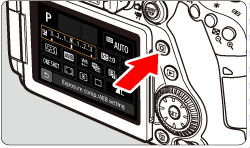
4. Turn the ⋖ 


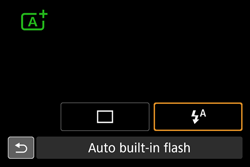
5. Turn the ⋖ 

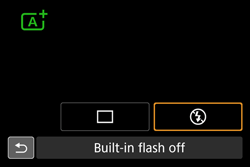
Refer to the following table for more information about which built-in flash settings are available for each shooting mode.


| Function | | | | SCN | | ||||||||||||
 |  |  | |  |  |  |  | |  |  |     |     | |||||
| Built-in flash firing | : Automatic firing | | - | | - | | - | | - | - | | - | | - | | | - |
| : Flash on (Fires at all times) | | - | | | | - | - | | - | | - | | - | | | - | |
| : Flash off | | | | | | | - | | | | | | | | | | |
Caution
In the ⋖