
 Close
Close









When recording in bright places it may be difficult to use the LCD screen. In such case, change the brightness of the LCD screen or use the viewfinder instead. To use the viewfinder, keep the LCD panel closed.
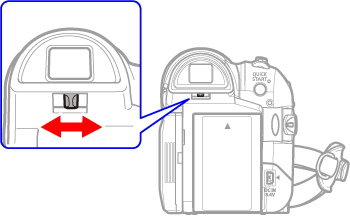
Adjusting the viewfinder (diopter)
Adjust the viewfinder as necessary with the dioptric adjustment lever.
Ajusting LCD screen
You can set the brightness of the LCD screen to normal or bright.
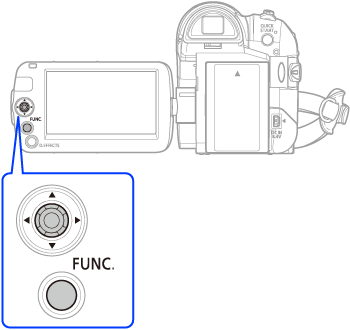
1.

2. [ 
3.[ 

4. [BACKLIGHT]
5. Desired option
6.
Caution
- This setting does not affect the brightness of the recording or the viewfinder screen.
- Using the [BRIGHT] setting will shorten the effective usage time of the battery pack.