
 Close
Close









Solution
If you are shooting a subject at a close distance, and if the subject cannot be easily focused within the normal shooting range, switching the normal mode to the [Macro] (
Caution
The distance of each focusing range is as follows (from the end of the lens): If you shoot beyond the following ranges, the subject may be out of focus.
 ) : 5 cm (2.0 in.) – infinity (W)* / 30 cm (12 in.) – infinity (T)** ) : 5 – 50 cm (W)*, 30 – 50 cm (T)** (2.0 in. – 1.6 ft. (W)*, 12 in. – 1.6 ft. (T)**)
* (W): When turning the ⋖Zoom Lever⋗ toward ⋖Wide Angle⋗ (
** (T): When turning the ⋖Zoom Lever⋗ toward ⋖Telephoto⋗ (
Caution
 ).), it is necessary to set the [Shooting Mode] to one of the following modes.
- [Custom] (


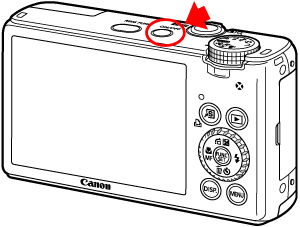
1. Press the ⋖Power⋗ button on the camera.
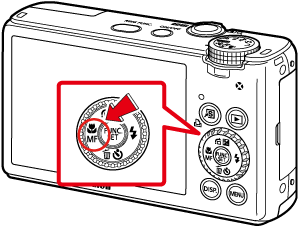
2. Press the ⋖Macro / Manual Focus⋗ (
3. The following screen appears.
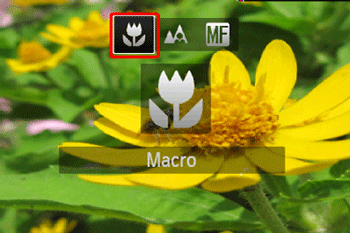
Operate the ⋖directional buttons⋗ left or right to set [Macro] (
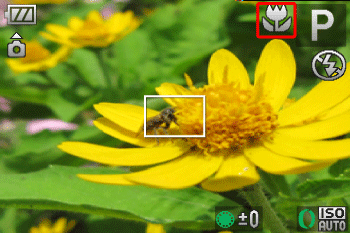
If [Macro] (
Caution
Try attaching the camera to a tripod and shooting with the self-timer to prevent the camera from moving and blurring the image.