
 Close
Close









Solution
1. Using a Card Reader or a Card Slot on a Computer to Download Images2. Using a USB Cable to Save Images
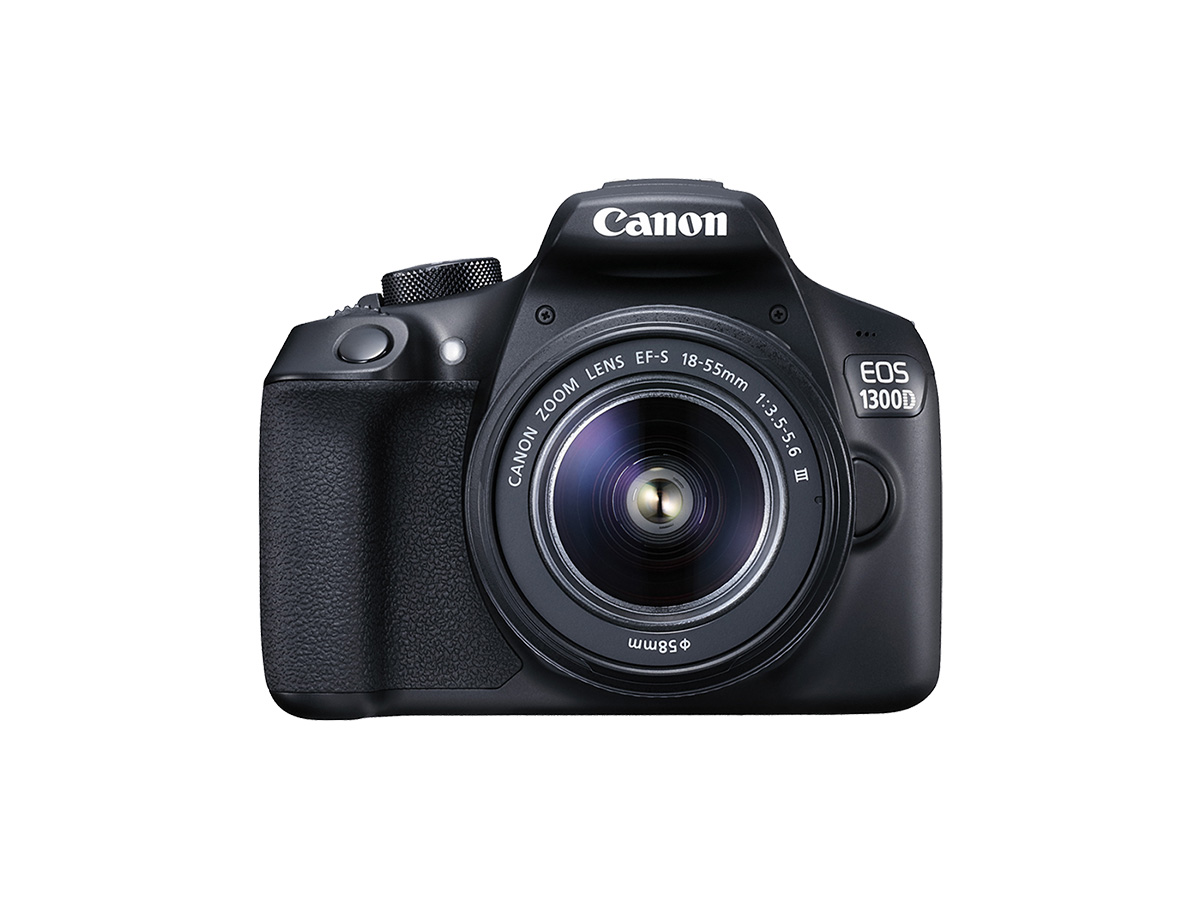
Follow the steps below to save images and movies on your EOS single-lens reflex camera to a computer.
Caution
With compact digital cameras and mirrorless cameras, you may not be able to save images with the following method due to different software or for other reasons.
This camera cannot be connected to a computer wirelessly.
1. Using a Card Reader or a Card Slot on a Computer to Download Images
Use a card reader to save images or movies on a memory card to a computer without Canon software or a cable.
For details, use the [Reference content/Instructions] link in the table.
| Necessary items | Reference content/Instructions | Caution |
|---|---|---|
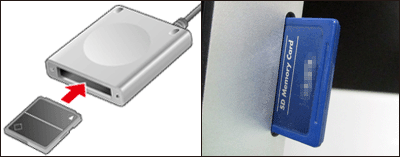 ・Card slot/card reader | ・Using a Card Reader or a Card Slot on a Computer to Download Images Use a card reader and the OS standard settings for saving images without Canon software or a cable. | Some cards (types or capacities) may not be compatible with the card slot or the card reader. |
2. Using a USB Cable to Save Images
Connect the DIGITAL terminal on the camera and the USB terminal on the computer with a USB cable to save images and movies.
For details on how to establish a connection, use the [Reference content/Instructions] link in the table.
| Necessary items | Reference content/Instructions | Caution |
|---|---|---|
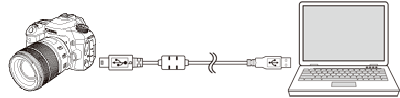 ・USB cable for the [mini-B] camera terminal *The cable types that you can use depend on the device model. Refer to your camera's user manual. ・Software (EOS Utility 3.4 and later) | ・Downloading still images and movies to a computer using EOS Utility Ver.3.x Save images with Canon software and a cable. | You need to install the software version that is compatible with your camera model. |
Caution
Some cameras do not come with USB cables.
If you do not have a USB cable, buy one separately.
With EOS single-lens reflex cameras, you can use the following 3 types of USB cables.
- USB cable for the [Mini-B] camera terminal (IFC-200U / IFC-400PCU / IFC-500U)