
 Close
Close









Solution
These instructions explain how to insert the date in images.
Caution
 ).
).- [ISO 3200] (


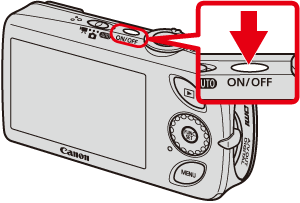
1. Press the ⋖Power⋗ button on the camera.
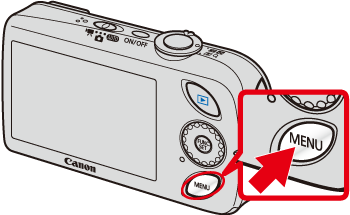
2. Press the ⋖MENU⋗ (
3. A screen like the one below will appear on the monitor.
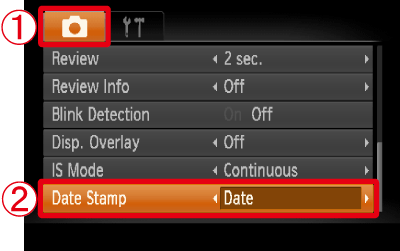


After making these settings, press the ⋖MENU⋗ (
4. If you set [Date Stamp], [DATE] will appear on the LCD monitor.

If [DATE] does not appear, press the down ⋖directional button⋗ ([DISP.]) several times to switch the display on the monitor.
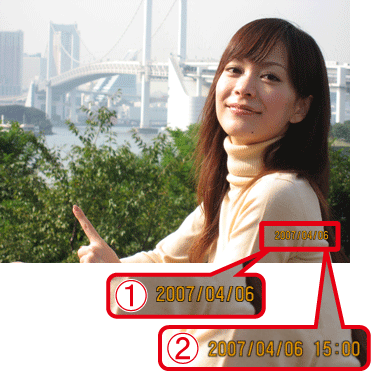
5. When shooting with this setting, the date will be embedded in the image as shown below.
Caution
The date, its font and color, and the position where it is displayed cannot be changed. Also, dates and times recorded with [Date Stamp] cannot be deleted.