
 Close
Close









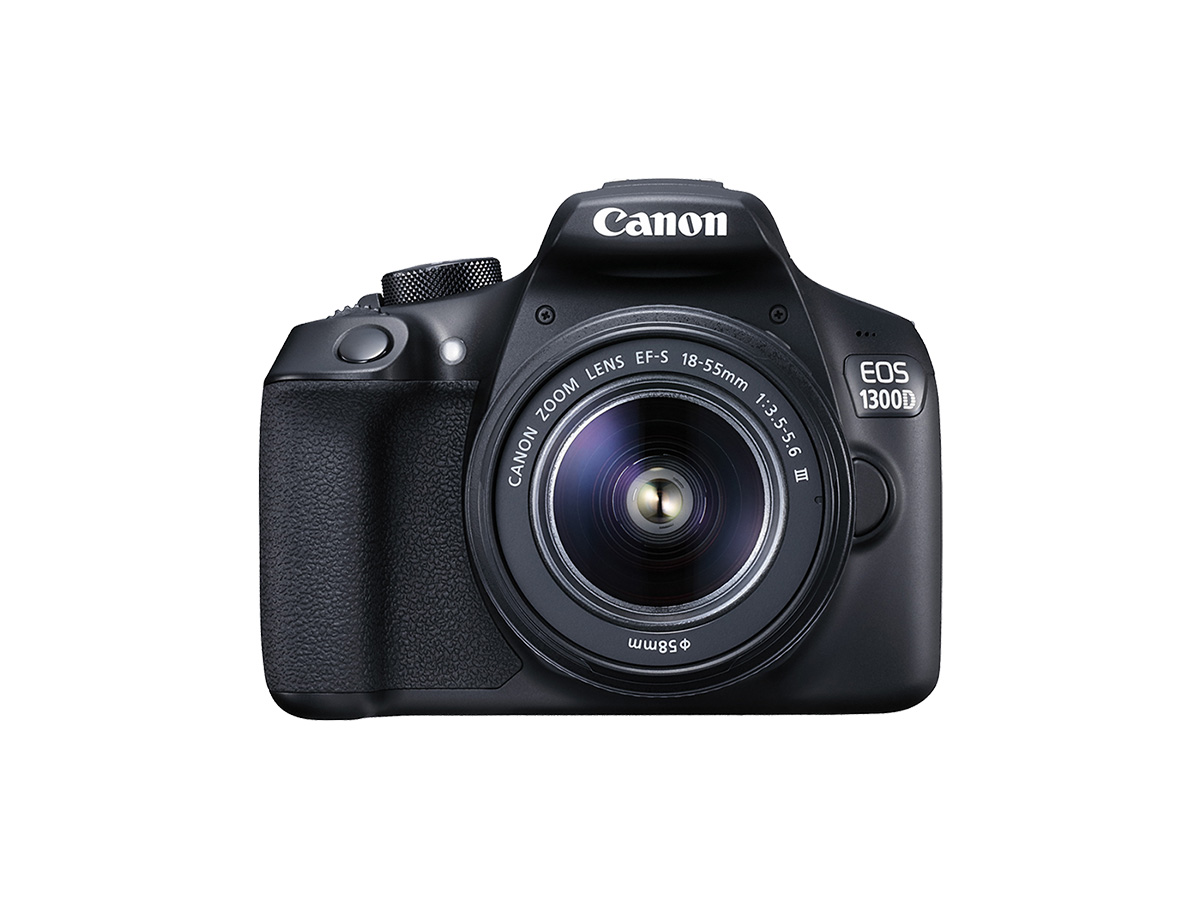
Solution
If you cannot remove dirt or dust on the image sensor (CMOS) even by using the sensor cleaning function on your camera, or if your camera does not have a function for sensor cleaning, you can clean the sensor on your own by using a commercially available blower.
Caution
The surface of the image sensor is extremely delicate. If the sensor needs to be cleaned directly, it is advisable to contact a Canon Service Center.
Caution
For the power source, using DC Coupler DR-E10 (sold separately) and Compact Power Adapter CA-PS700 (sold separately) is recommended.
If you use a battery, make sure it is fully recharged.
1. Detach the lens before you start cleaning.
2. Set the power switch to ⋖ON⋗.
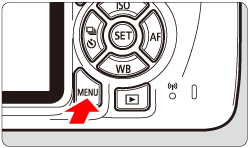
3. Press the ⋖MENU⋗ button to bring up the menu display.
4. Select [ 

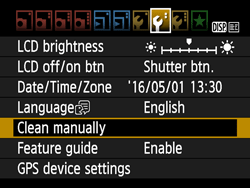
5. Select [OK], then press the ⋖

6. The reflex mirror will lockup and the shutter will open.
7. Using a commercially available blower, blow dust that is stuck to the surface while preventing the blower from directly touching the sensor.
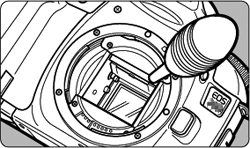
8. After cleaning, set the power switch to ⋖OFF⋗.
Caution
- Setting the power switch to ⋖OFF⋗.
- Opening the battery compartment cover.
- Opening the card slot cover.