
 Close
Close





Solution
The procedure for lowering the automatic built-in flash during shooting is explained below.
After pressing ⋖


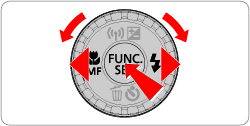
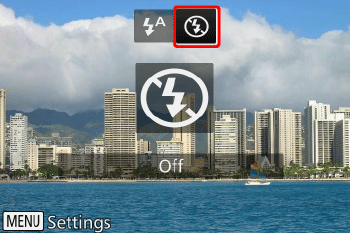
If the flash is already up, it will be lowered automatically.
Caution
・The lens and flash will be automatically retracted approx. 1 min. after the shooting mode is changed.
・To restore the original setting, repeat this process but choose [ 
Caution
Do not raise and lower the flash by hand as it may damage the flash.
This concludes the procedure for lowering the automatic built-in flash during shooting.