
 Close
Close









Solution
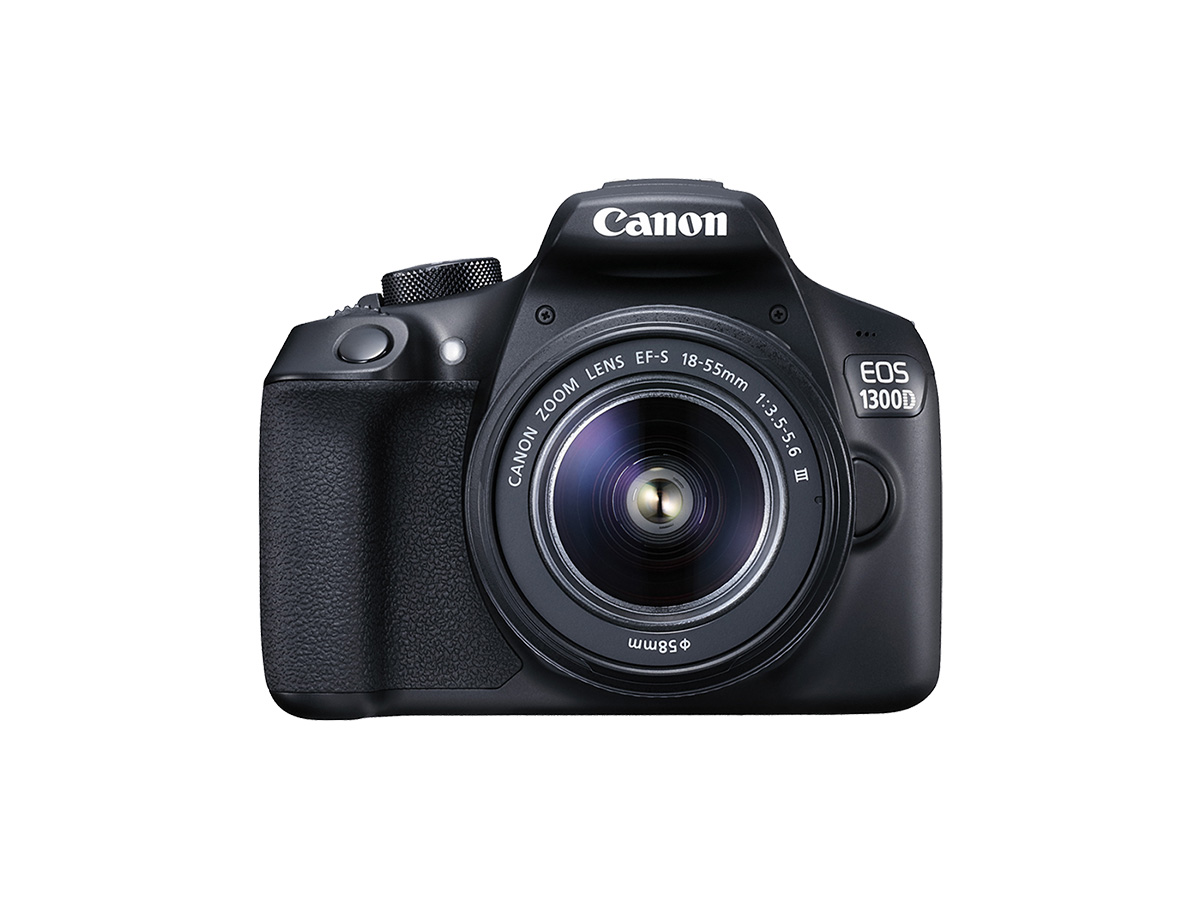
In dimly lit shooting conditions, pressing the shutter button halfway may trigger the built-in flash to fire a series of flashes to assist autofocusing. This is called AF-assist beam.
The AF-assist beam can be turned off in the Creative Zone modes.
Caution
The AF-assist beam will be emitted when necessary when the Mode Dial is set to ⋖ 


The procedure for turning off the AF assist beam is explained below.
1. Set the camera’s power switch to ⋖ON⋗.
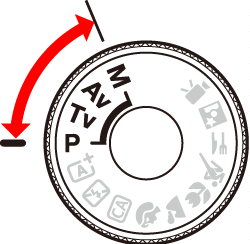
2. Set the Mode Dial to a Creative Zone mode.
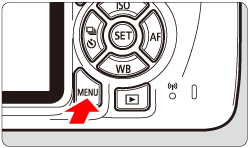
3. Press the ⋖MENU⋗ button to display the menu screen.
4. Press the ⋖ 


Press the ⋖ 


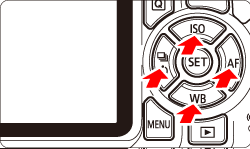
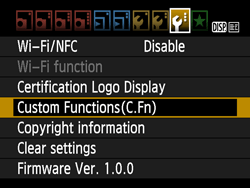
5. Press the ⋖
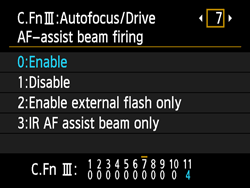
6. Press the ⋖
・ At the bottom of the screen, the current Custom Function settings are indicated below the respective function numbers.
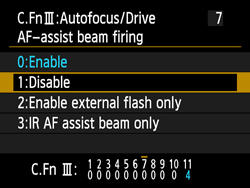
7. Press the ⋖MENU⋗ button. The screen below will reappear.
8. Press the ⋖MENU⋗ button again to return to the shooting screen.
Caution
● To make auto focusing in dimly lit places easier, set the [AF-assist beam firing] to [0:Enable].
● AF-assist beam will not be emitted from the built-in flash in ⋖ 


● The AF-assist beam cannot be emitted with AI Servo AF operation.
● The effective range of the AF-assist beam emitted by the built-in flash is approx. 4 meters/13.1 feet.