
 Close
Close









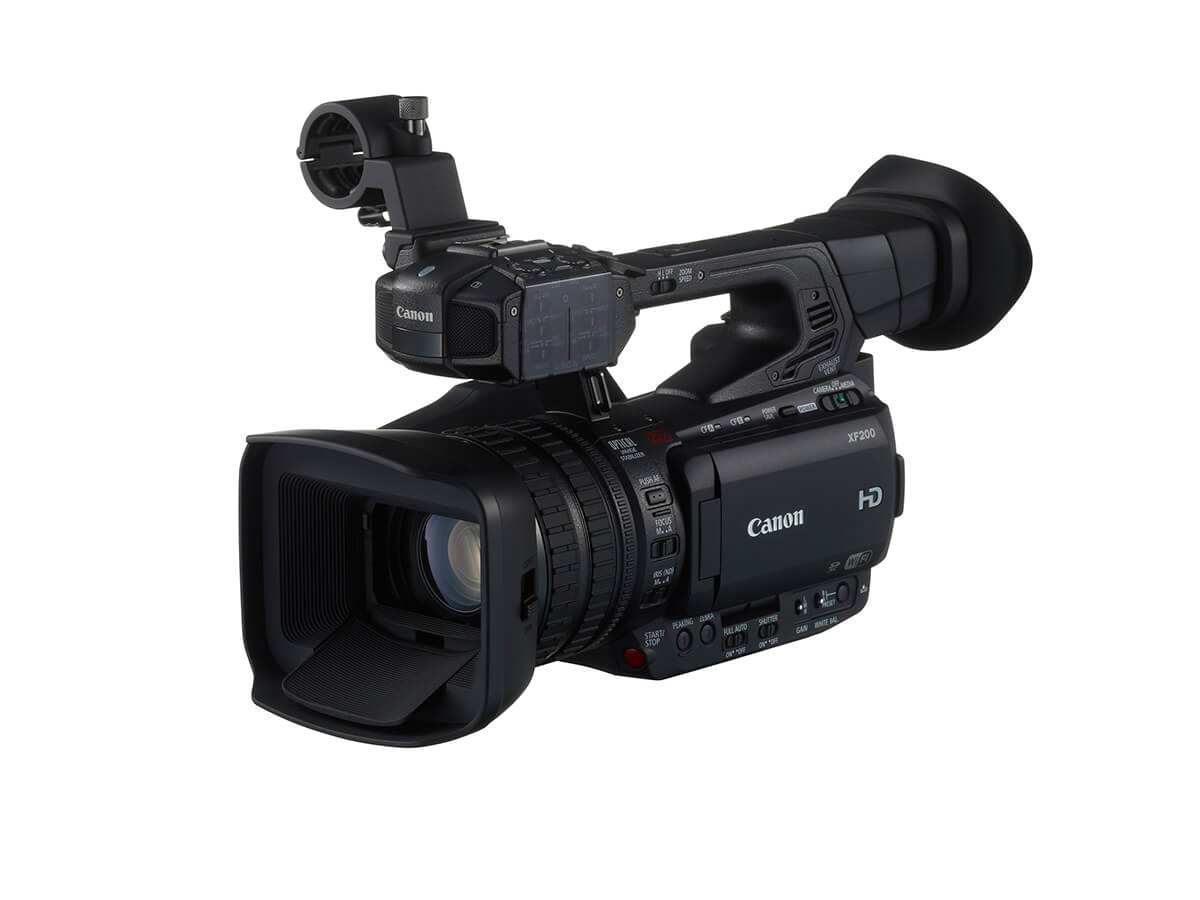
With the double slot recording function you can record the same MXF clip simultaneously to both CF cards, which is a convenient way to make a backup copy of your recordings while you record.
Caution
Caution
Making the double slot recording setting
To record the same clip to two different CF cards simultaneously, you need to make the double slot recording setting in advance.
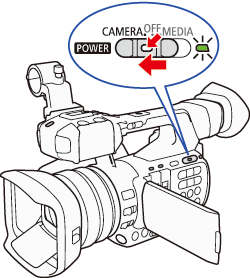
1. Hold down the button on the ⋖POWER⋗ switch and slide the switch to ⋖CAMERA⋗.
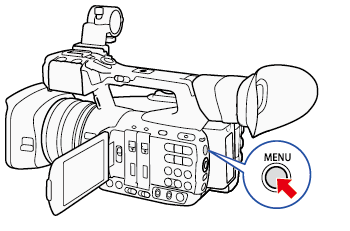
2. Press the ⋖MENU⋗ button.
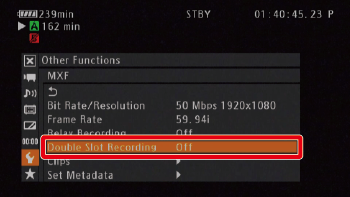
3. Select [w Other Functions] -⋗ [MXF] -⋗ [Double Slot Recording].
Push the joystick up/down to select the desired submenu, and then press ⋖SET⋗.
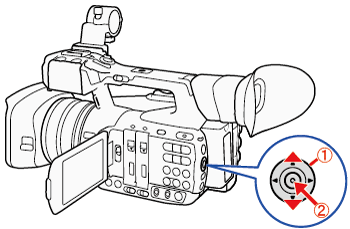


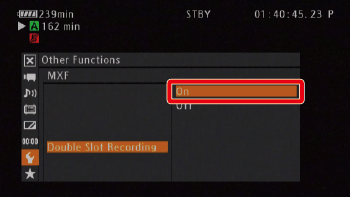
4. Select [On] and then press ⋖SET⋗.
5. Press the ⋖MENU⋗ button to close the menu.