
 Close
Close









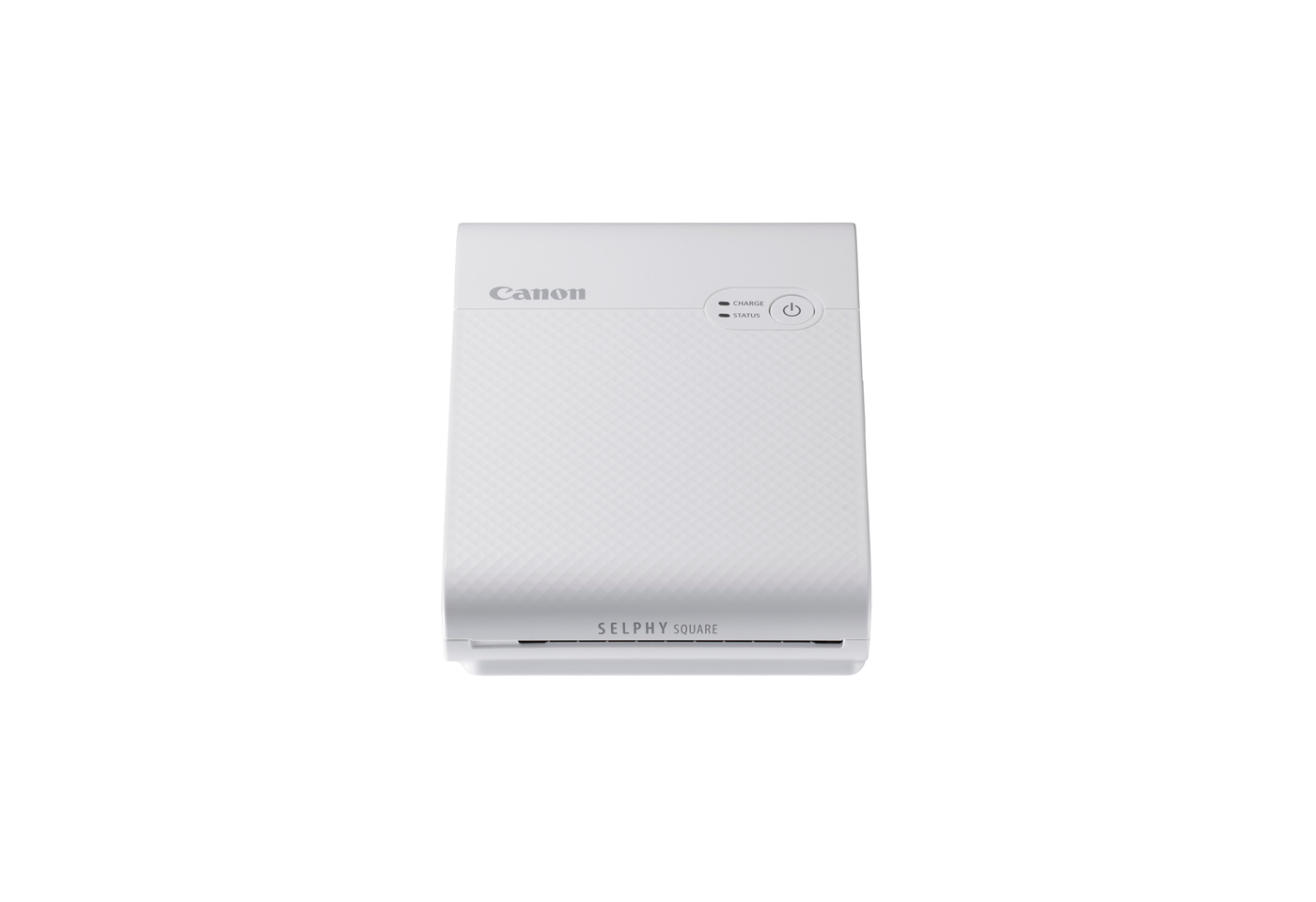
Solution
| STATUS lamp | CHARGE lamp | Status |
| Off | Off | Power off (Not charged) |
| Blinks slowly green | Charging in progress (Power off) | |
| Lights green | Charging complete (Power off)*1 | |
| Blinks slowly white | Off | Printer start-up in progress |
| Blinks white | Off | Processing... |
| Blinks quickly white | Off | Remove the printed paper. |
| Lights white | Off | Standing by to print (Not charged)*2 |
| Blinks green | Standing by to print (Battery level low) | |
| Blinks slowly green | Standing by to print (Charging in progress) | |
| Lights green | Standing by to print (Charging complete) | |
| Blinks slowly red | Blinks slowly green | Outside the operating temperature range so charging has paused. |
| Blinks red | Off | An error occurred. Check the app message. |
| Blinks green | The battery level is low so printing is not possible. Charge the battery. | |
| Blinks quickly red | Off | An error occurred. Turn the power off and then on again. |
| Blinks quickly green | A battery error occurred. | |
| *1 After a while, the CHARGE lamp turns off. *2 You can check the battery level by pressing the Power button in the Standing by to print (Not charged) status. | ||
Caution
CHARGE lamp blinks two times:
The battery level is low, but the printer can still be used.
CHARGE lamp blinks three times:
The battery level is suffi cient.