
 Close
Close









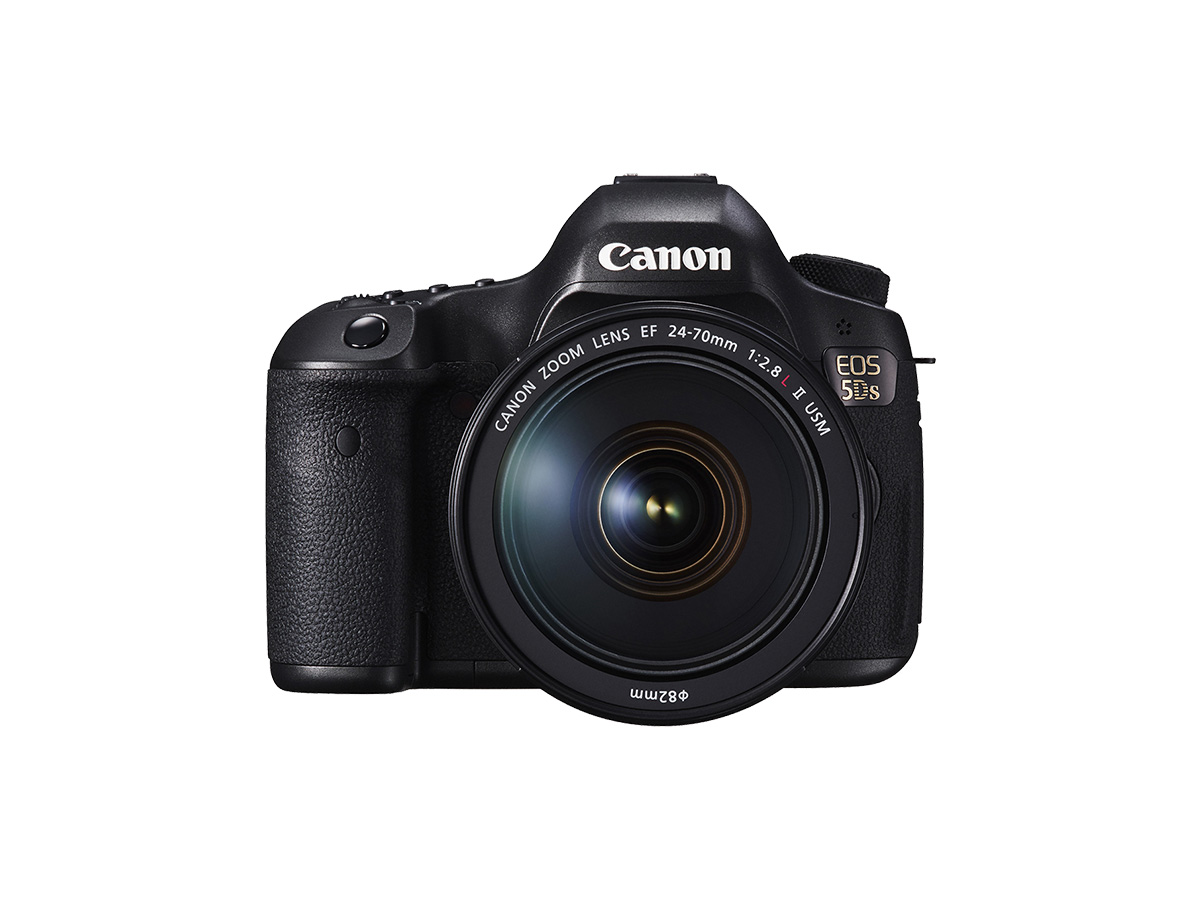
61 AF points are provided for autofocusing. You can select the AF area selection mode and AF point(s) suiting the scene or subject.
AF Area Selection Mode
You can select one of six AF area selection modes.
1. Set the camera’s power switch to [ON].
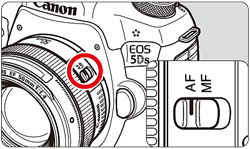
2. Set the lens’s focus mode switch to [AF].
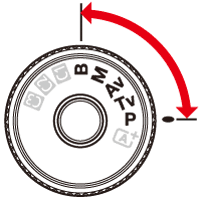
3. Set the mode dial to [P / Tv / Av / M / B] mode.
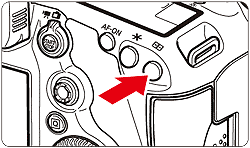
4. Press the [ 
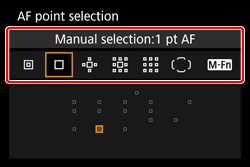
The [AF Area Selection Mode] screen appears on the camera’s monitor.
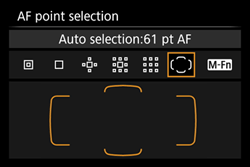
Caution
When you press the [
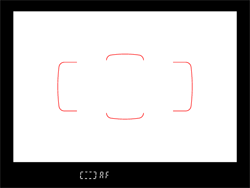
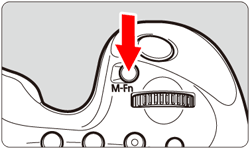
5. Look through the viewfinder and press the [ M-Fn ] button.
Each time you press the [ M-Fn ] button, the AF area selection mode changes.
P95-
| AF Area Selection Mode | Overview |
|---|---|
 : Single-point Spot AF (Manual selection) : Single-point Spot AF (Manual selection) | For pinpoint focusing over a narrower area than with single-point AF (manual selection). |
 : Single-point AF (Manual selection) : Single-point AF (Manual selection) | Select one AF point to be used for focusing. |
 : AF point expansion (Manual selection ) : AF point expansion (Manual selection ) | The manually-selected AF point [  ] and adjacent AF points [ ] and adjacent AF points [  ] (above, below, on the left, and on the right) are used to focus. ] (above, below, on the left, and on the right) are used to focus. |
 : AF point expansion (Manual selection, surrounding points) : AF point expansion (Manual selection, surrounding points) | The manually-selected AF point [ ] and surrounding AF points [ ] are used to focus. |
 : Zone AF (Manual selection of zone) : Zone AF (Manual selection of zone) | AF The AF area is divided into nine focusing zones for focusing. All the AF points in the selected zone are used for the automatic AF point selection. |
 : 61-point automatic selection AF : 61-point automatic selection AF | The Area AF frame (entire AF area) is used to focus. This mode is set automatically in the  mode. mode. |
Caution
The AF frame display in the viewfinder will also change at the same time.
Caution
 : Select AF area selec. mode], you can limit the selectable AF area selection modes : AF area selection method] to
  Main Dial], you can select the AF area selection mode by pressing the [ ] button, then turning the [
  ] dial.
Selecting the AF Point Manually
You can manually select the AF point or zone.
1. Press the [
2. Select an AF point.
The AF point selection will change in the direction you tilt [ 
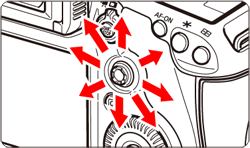
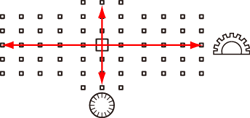
] dial and select a vertical AF point by turning the [  ] dial. ] or [ ] dial will change the zone in a looping sequence.
Caution
: Initial AF pt, AI Servo AF] is set to [Initial ] AF pt selected], you can use this method to manually select the AI Servo’s AF starting position. button, the LCD panel displays the following: - 61-point automatic selection AF and Zone AF: 
- Single-point Spot AF, Single-point AF, and AF point expansion: SEL [ ] (Center)/SEL AF (Off-center)