





- Top features of Canon EOS PowerShot V1 with Wil Calabio
-

Hello!
We've noticed that you are in .
Visit Canon .
 Close
Close
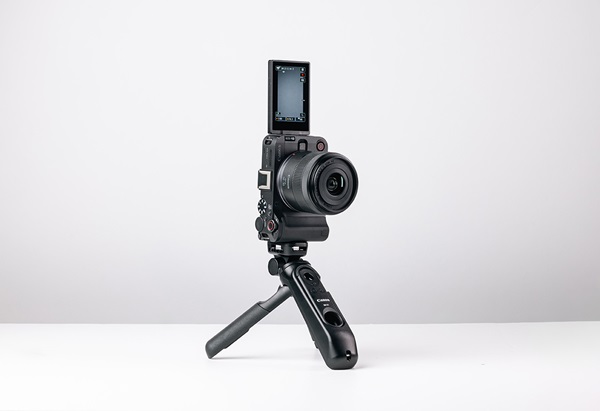
The Canon PowerShot V1 is the ultimate vlogging camera designed to streamline high-quality content creation - with 4K 60P video, exceptional built-in audio, autofocus innovations and easy livestreaming built in. Lightweight and intuitive, it's made for creators who want professional results with minimal fuss.
To put the PowerShot V1 to the test, we teamed up with Canon Ambassador and content creator Wil Calabio, who used the camera in a range of real-world shooting scenarios. Here's a closer look at the standout features and how they performed in his creative process.
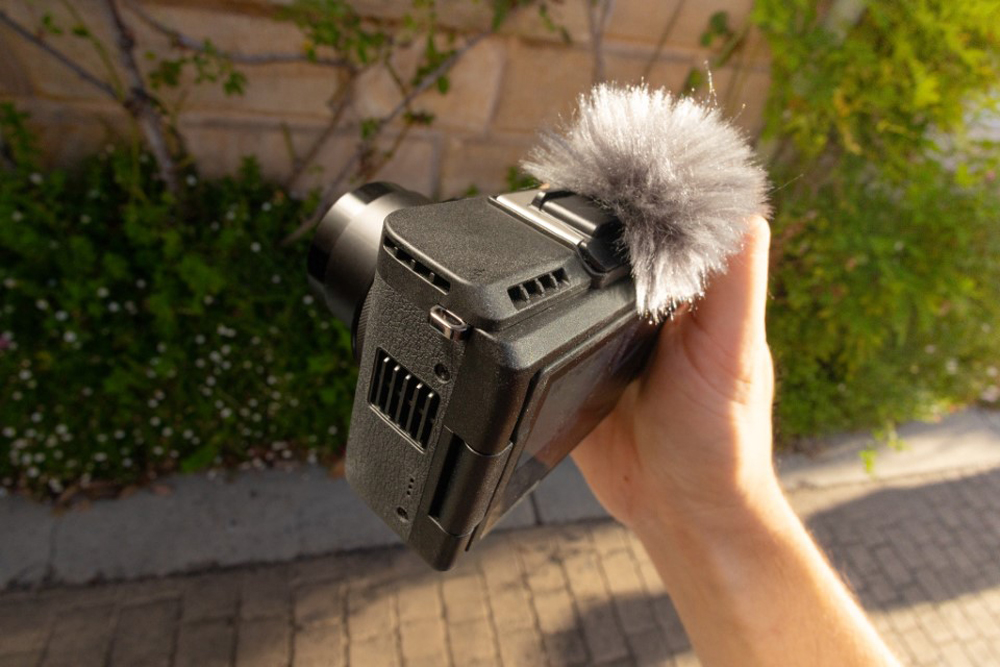
The PowerShot V1 delivers professional-grade sound from its built-in microphones, designed to pick up voices clearly while reducing ambient noise — no external mic required.
• Simplifies your setup with high-quality internal audio
• Minimises the need for bulky external mics
• Keeps your rig light and discreet
• Built-in noise reduction enhances voice clarity
“I really tested the microphone while vlogging around the city, through noisy traffic and chatter – but when it came to listening to the footage back at the computer, I was genuinely surprised how much of an upgrade it was compared to the usual standard of built-in mics on other cameras. Shows you how much Canon tailored this camera to every vlogger’s needs.
I’m sure many creators know it’s hard to be subtle when your plug-in mic looks like it’s wearing an oversized fur coat. Being able to rely on the clean audio of the built-in microphone, and just attach a tiny dead cat for wind and noise reduction, truly makes content creation easier – ergonomically and aesthetically.”

The PowerShot V1 captures sharp, smooth 4K video at 60 frames per second — perfect for dynamic moments, cinematic slow motion, and professional-looking edits.
• Enables slow-motion playback in post-production
• Enhances handheld shooting with smoother footage
• Delivers sharp, cinematic content straight from camera
• Ideal for high-energy or fast-paced sequences
“I use 4K 60P for all my B-Roll sequences in my content. Having this feature on the PowerShot V1 is awesome because it fits right into my workflow when I’m out shooting and at home editing.
4K 60P allows me to capture ultra-smooth footage that lets me have the creative choice in post to slow it down in the timeline. Especially when I’m filming handheld and in motion, slowing footage down from 4K 60P to half speed is a game changer for stable and steady shots.”
Canon’s Dual Pixel CMOS AF ensures accurate, smooth focus — and Product Showcase Mode shifts focus to objects held up to the lens, making it easy to shoot gear demos and reviews.
• Reliable face-tracking and subject detection
• Seamless transitions from face to product
• Ideal for product reviews, unboxings and demos
• Supports solo shooting with intuitive focus control
“A camera that can intuitively recognise a creator like myself showcasing products on screen is great. I can have the focus set to me when talking, and then automatically shift it to gear, cameras, and gadgets that I hold closer to the lens so viewers can see clearer. A huge assist in content creation.
At this point, it’s extremely hard to find a flaw in Canon’s autofocus systems. When I’m out shooting with the PowerShot V1, it has the kind of autofocus that makes you forget you’re even relying on it – which is exactly what you want. And for a solo shooter like me sometimes, it takes one less worry away from creating.”
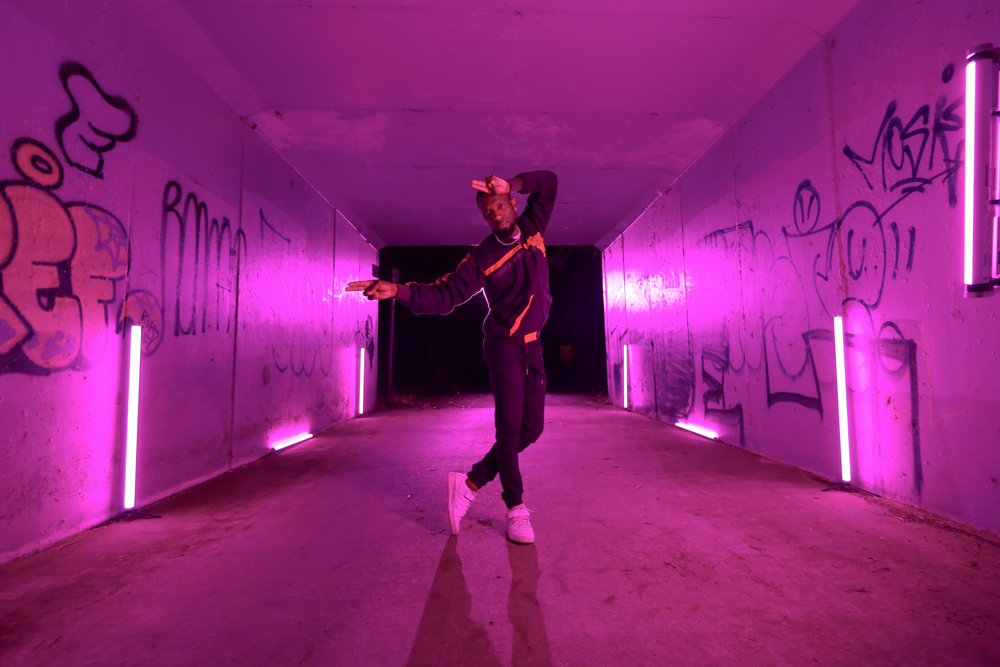
With a built-in ND filter and creative colour presets, the PowerShot V1 helps you shoot wide-open in bright light while adding a unique mood or aesthetic straight out of camera.
• Shoot with a wide aperture in daylight
• Achieve cinematic bokeh without overexposure
• Add creative colour effects without editing
• Stay agile with fewer accessories needed
"I almost always use ND filters whenever I’m out and about filming. For example, when I was vlogging outdoors in natural daylight – the ND filter allowed me to reduce my shutter speed for natural-looking motion blur to give my video a more authentic, relatable feel.
Having the ND filter built into the camera is also a huge plus for convenience and creativity. Convenient because you don’t have to carry around any accessories, and instead can enable the filter with the press of a button. And creatively freeing, because it lets you experiment with your other settings like aperture and shutter speed for cinematic bokeh, or natural motion blur.”
Wil's overall thoughts and the experience on the PowerShot V1 are super positive, to say the least. Canon really packed so much value into this tiny compact camera that just makes sense for us creators. I’d definitely recommend it to other content creators who want a simple, light setup that can just do it all.
Want to see how the PowerShot V1 stacks up against Canon’s latest compact video camera? Check out how it compares to the new EOS R50 V — designed specifically for vloggers and content creators. Check out our EOS R50 V vs. PowerShot V1 comparison guide.
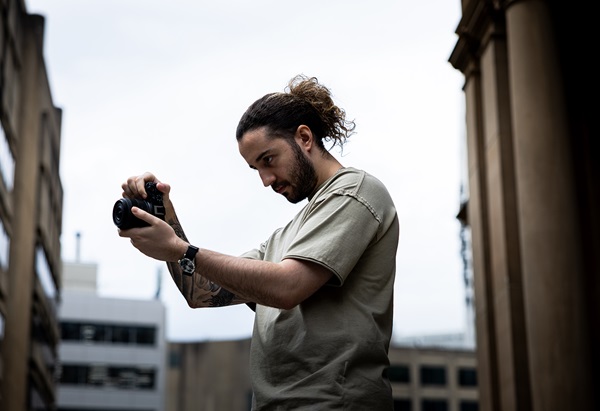
Discover the Canon EOS R50 V's top features through creator Moses' experience. Explore 4K 60P video, Canon Log 3, seamless autofocus and more in this hands-on review.
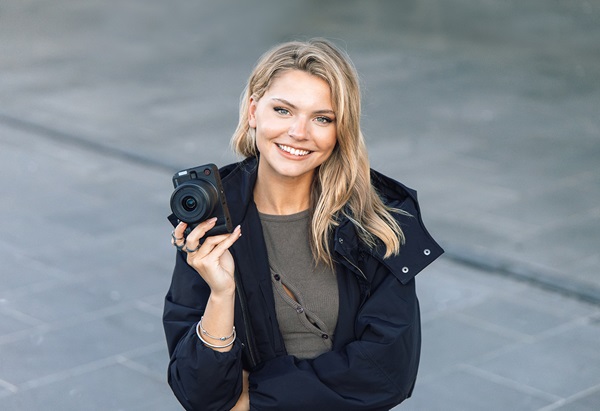
6 essential tips for shooting vertical videos with @inyourfayes
Discover the best cameras, lenses, and accessories for video production. From vlogging to professional filmmaking, explore top recommendations and expert tips to enhance your video quality.